Photo Booth or Photo Studio: Honey, They Are Not the Same Thing. Here’s the Tea from LA Photo Party
The words get used interchangeably, and they should not be. A photo booth and a photo studio are two different


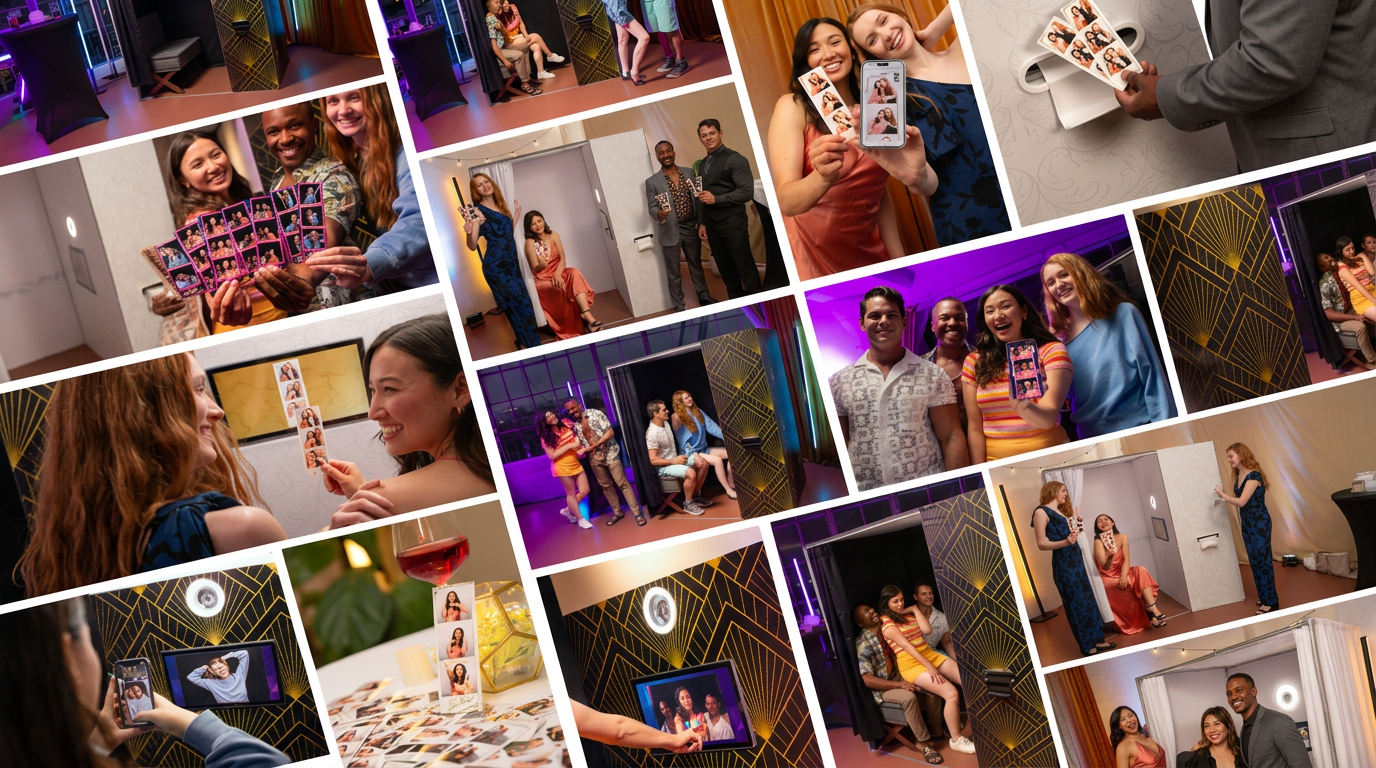
Choosing the right equipment for an event business isn’t just a gear decision; it’s a guest-experience decision. Over the past 18 months, the industry has sprinted away from those old, bolted-to-the-floor mall setups toward lightweight rigs you can roll in, build, and run without breaking a sweat. Right now, most buyers in Glendale, CA, and beyond end up choosing between two camps: the professional portable photo booth and the smaller, simpler iPad booth.
Both can make you money. Both can look great in the right room. However, they’re built for different outcomes. One is all about crisp photos and real prints guests stuff into purses and suit pockets. The other is about speed, sharing, and not needing a van to get to the venue. So which one fits your business model and your clients’ expectations? That’s the real question.
The difference between a professional portable photo booth and an iPad booth starts with what’s inside the shell. A portable photo booth typically runs a high-resolution DSLR or mirrorless camera, paired with a dedicated Windows-based computer. Think of it like a mini photo studio that happens to fold up into a road case. These systems usually include an external flash setup and a professional dye-sub printer because printing is part of the point.
The iPad booth is basically the tablet doing everything: camera, processing, screen, and often the “brain” behind sharing. Hardware-wise, it’s light—usually an iPad, a ring light, and a stand. It’s clean, minimal, and easy to move. While both are “mobile,” they feel different at an event. A portable photo booth is a full-service production, whereas an iPad booth is more like a social kiosk.
Physical footprint matters, too. A portable photo booth usually needs extra space for the printer and sturdier lighting. That’s not always a bad thing; it often becomes a focal point guests naturally gravitate toward. The iPad booth can tuck into tight corners and still work, which is a lifesaver in smaller venues.
Image quality is the whole product. If the photos look “meh,” nothing else really saves it. A portable photo booth has a clear advantage because it uses a large-sensor DSLR or mirrorless camera. That means you can control aperture, shutter speed, and ISO. Even in a dark ballroom with uplighting everywhere, you can still pull clean, sharp images. Add an external flash and you get soft, flattering light that looks more like a studio than a phone selfie.
Software matters here as well. LA Photo Party’s tools are built to take advantage of that kind of hardware, which is why you’ll see features like green screen workflows and slow-motion video offerings that depend on decent resolution and frame rates. The software isn’t “magic,” but it does help you actually use what you paid for.
iPad booths have gotten better, no question. Physics is physics, though. The small tablet sensor tends to introduce digital noise in low light. While a ring light helps for close-up selfies, it doesn’t throw light far enough to evenly cover bigger groups. You end up with that familiar look: the people in front are bright, the people in back are kind of there. For social sharing, it’s usually fine. For premium albums and keepsakes, it’s not the same.

This is where the conversation shifts from “what’s the spec” to “what do guests do next?” A portable photo booth is still the gold standard if you’re selling prints. Dye-sublimation printers can kick out lab-quality photos in under ten seconds. They’re fast and reliable. There’s a reason people still love physical prints: they feel like a real takeaway, not just another file that disappears into a camera roll.
iPad booths shine in the “share it right now” world. iOS makes it simple to send photos by text, email, AirDrop, or post to social platforms. The interface feels familiar because most guests already know how an iPad works. There’s less explaining and less hand-holding. Digital-only booths sometimes leave guests a little underwhelmed, though. If you’ve ever watched someone step away and say, “Wait, do we get a print?” you know what I mean.
If you’re a working vendor, reliability isn’t a “nice to have.” It’s the whole job. No one cares that your booth is sleek if it dies during speeches. A portable photo booth is more complex: camera, computer, printer, flash, cables, drivers—the whole stack. More parts can fail. The upside is you can usually replace parts individually. Camera acting up? Swap the camera. Printer issue? Fix or replace the printer. You’re not throwing away the whole system because one component had a bad day.
The iPad booth is simpler. There are fewer cables and no printer jams if it’s digital-only. However, there’s a tradeoff people gloss over: heat and battery limits. iPads can overheat outdoors, especially in direct sun, and shut down to protect themselves. It’s brutal when it happens mid-line. On top of that, iPad form factors change. When Apple updates the dimensions again, you might need a new enclosure instead of just upgrading one component.
A portable photo booth costs more up front. You’re paying for a professional camera, a capable computer, a rugged housing, lighting, and a fast printer. You’ll also have ongoing consumables like paper and ink ribbons. You can usually charge more, though. Clients understand “prints + pro camera” as premium. In most markets, that perceived value is the difference between being treated like a photographer and being treated like a novelty add-on.
An iPad booth is a lower-cost entry point. No printer means no consumables in many setups, and the transport cost is often tiny. You can fit it in a sedan. Some operators literally fly with them as checked luggage. A lot of iPad booth pricing is a race to the bottom because the setup is so accessible that new vendors underprice it. You can still run a profitable iPad booth business, but you’ll want a clear differentiation strategy.
This part is simple, but not always obvious when you’re buying your first setup. For weddings, galas, and high-end corporate holiday parties, a portable photo booth tends to win. Clients expect prints, high-quality images, and a setup that looks substantial. Guestbooks are a big deal in the wedding world, and prints make them easy. Portable systems are also better suited for high volume—hundreds of guests cycling through without the booth slowing down.
For brand activations, retail pop-ups, and casual parties, an iPad booth can be the smarter tool. Social sharing is built into the experience. It’s easy to run and easy to place. For long-term “drop-off” rentals where the booth stays for days, iPad kiosks are often the least stressful option because guests can use them with almost zero instruction.
Yes, you can connect a printer via AirPrint or a print server, but it adds complexity and cables to a setup that’s meant to be minimal.
Portable booths and iPad booths can both function offline, but guests won’t receive their digital shares until the device reconnects to Wi-Fi or LTE.
A portable photo booth is generally more resilient to heat. iPads often suffer from screen dimming or thermal shutdown when used in direct California sun.
Windows-based software for portable booths offers more customization but has a steeper learning curve. iPad apps are designed for plug-and-play simplicity.
An iPad booth can be up in 10 minutes. A full portable photo booth with a printer and external lighting usually takes 30 to 45 minutes to dial in perfectly.
Ready to upgrade your fleet? Whether you need the high-end output of a portable photo booth or the sleek agility of an iPad setup, choosing the right partner makes all the difference. Contact our Glendale, CA office to see these systems in action and find the perfect fit for your clients.
The words get used interchangeably, and they should not be. A photo booth and a photo studio are two different

Every brand manager has a design standard, and every design standard has someone whose job is to defend it. When
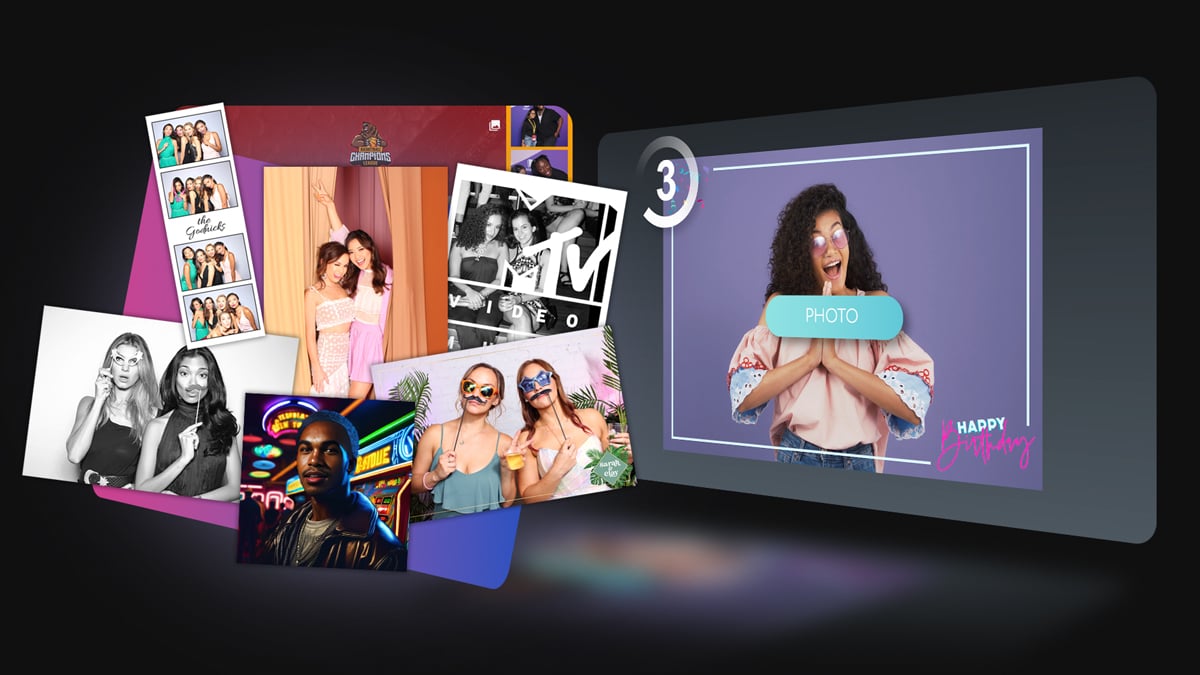
At a large live event, instant sharing sounds simple until you consider the scale. Thousands of guests, each wanting their
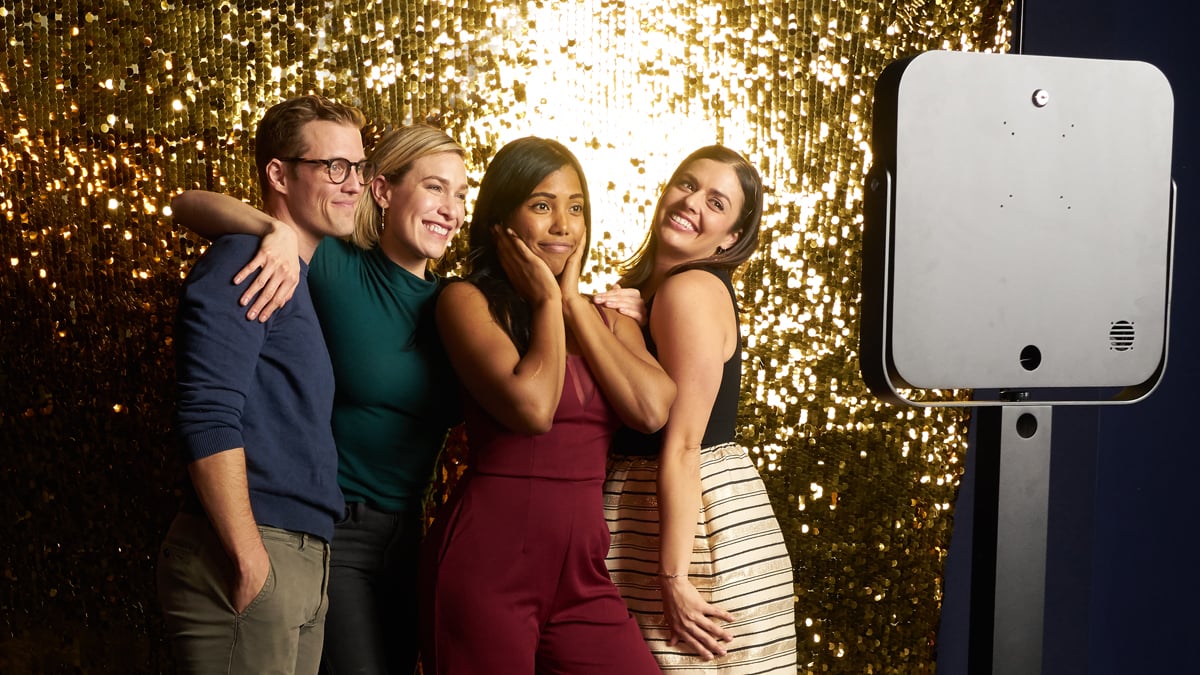
A.I. FaceSwap is easy to describe on paper: a guest’s face is placed into a new scene, character, or style.
Every brand manager who books an activation is really asking one question underneath all the others: will guests actually post
Go Shawty, It’s your Birthday
You will need a free Photo Party Upload account to access Virtual Booth. Once you’ve created your account, return to this page to complete the sign up process.
Already set up on Photo Party Upload? Watch this short video on how to get started.
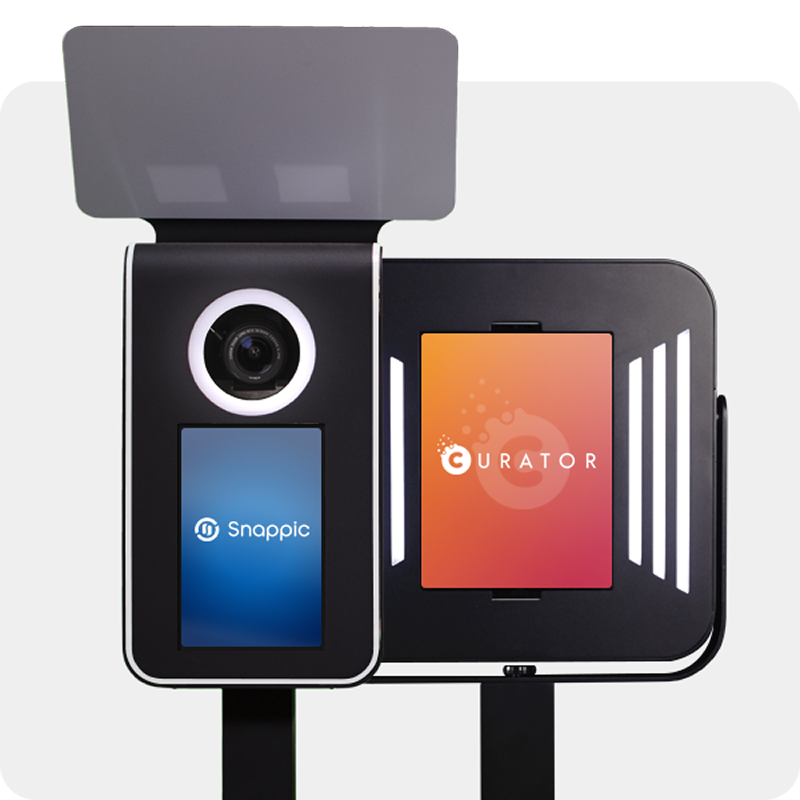
Venture Go and Explorer work with industry-leading iPad apps. We’ve partnered with two powerful platforms—each trusted by photo booth pros worldwide.
SELECT an app to learn more