



PHOTO BOOTH UPLOAD is the industry’s leading photo booth software developed with over a decade of experience in the event industry, delivering engaging entertainment for the biggest brands and event planners across the world. PBU is the perfect blend of the standard booth technology with the latest innovations in experiential entertainment.
NEW IN PBU
The still was just the beginning.
One capture. A whole new story. With A.I. Video in Photo Booth Upload, a raw guest photo or A.I. render becomes a short, cinematic video created right inside your capture workflow.
Use custom artwork and overlays to bring in logos, sponsor graphics, and campaign details. The result is a signature video moment, built for the activation and ready to travel beyond it.

Guests pose for a live photo, either through a booth-based setup or a photographer-led workflow.

Each image is processed into a custom visual style built around the event theme or creative direction.
Then shape the final video and turn an everyday capture into something guests want to share.
We prioritize your right to privacy, so our AI integration protects your guests.
Guest images are not used for training data in our AI models
Guest images are not shared with any AI models
Photo Booth Upload + AI Upgrade
Persistent Internet Connection
Windows PC
Intel i5 processor or better
AI Video expands the PBU toolbox. Generative A.I. and Face Swap give you even more ways to reshape a capture, build custom effects, and create experiences that feel entirely your own.
Create one look or let guests choose from a menu of A.I. designs. With custom prompts and filters you control, every activation can start from the same platform and end somewhere unexpected.
Photo Booth Upload now offers the latest in Generative AI and A.I. Face Swap. Create AI prompts that automatically give your photos a unique and dynamic makeover instantly at your event.
Offer a single option or allow guests to choose from a menu of AI designs. Plus, PBU is the only software that lets you create your own custom AI filter.
Get started with Photo Booth Upload instantly. We offer pricing packages for weekly, annual, and lifetime users.

Photo Booth Upload’s A.I. is available now. Get PBU with A.I. and transform your guests in limitless ways.
Choose from a wide range of cutting edge of features to design your event experience.
Choose from a wide reange of cutting edge features.
Take high quality, professional photos. Our photo feature can combine with our green screen technology, photo filters, and even custom Photoshop actions that can instantly apply to your image.



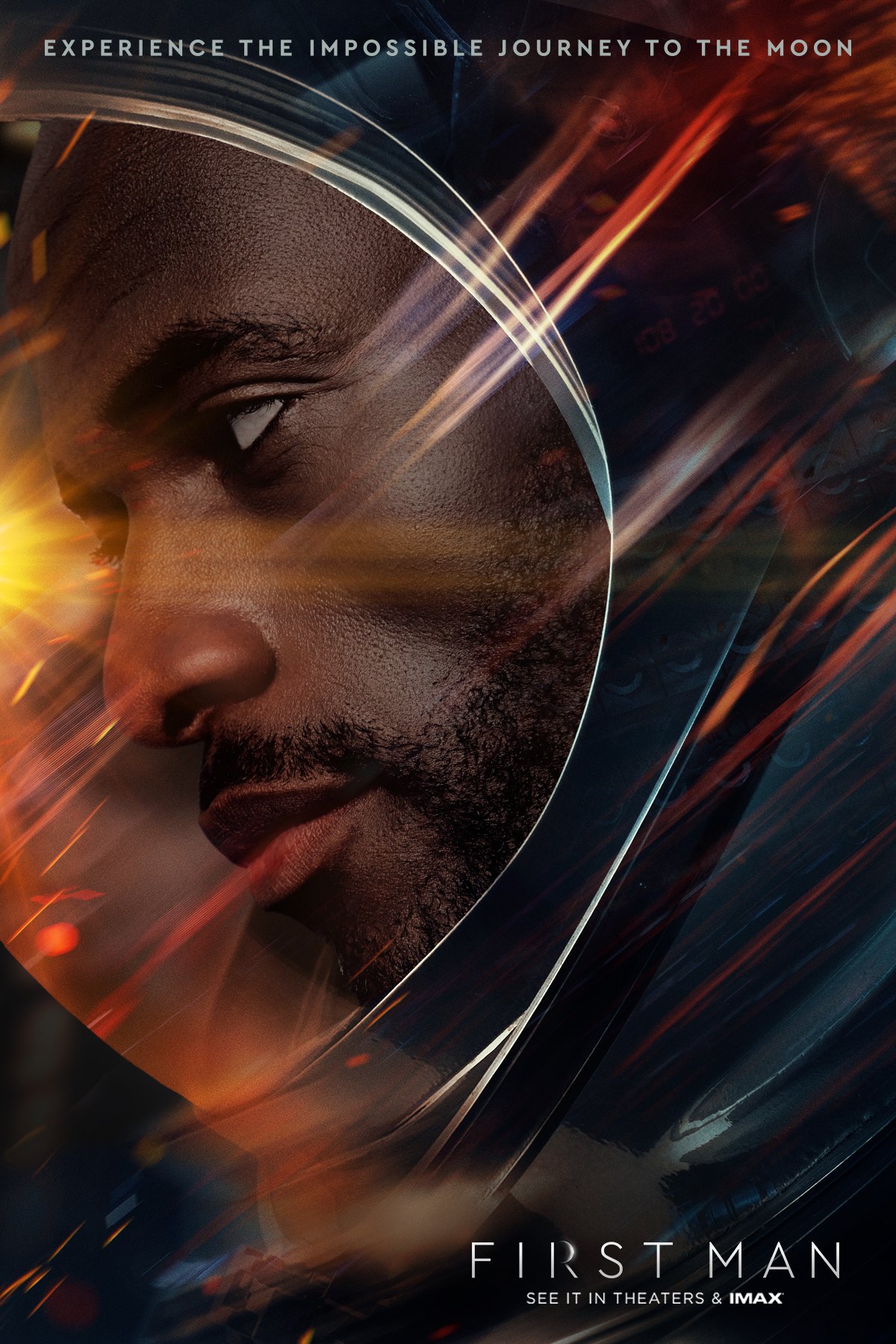
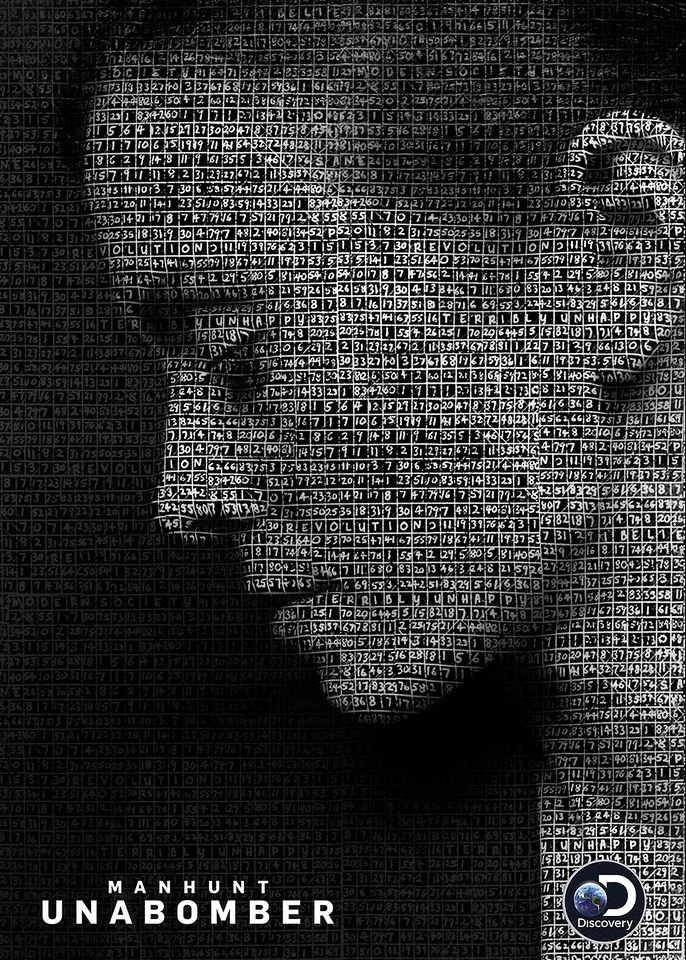
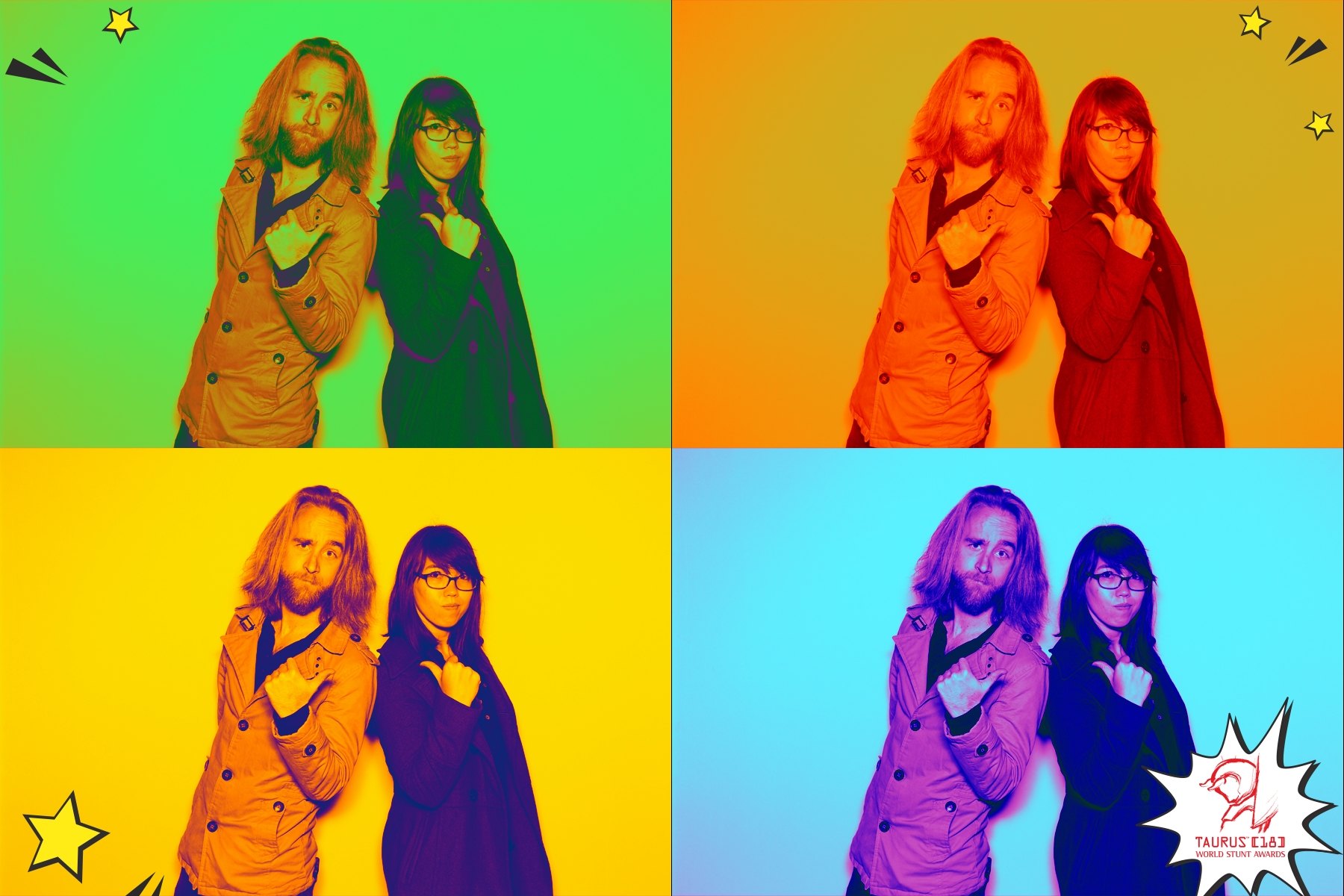
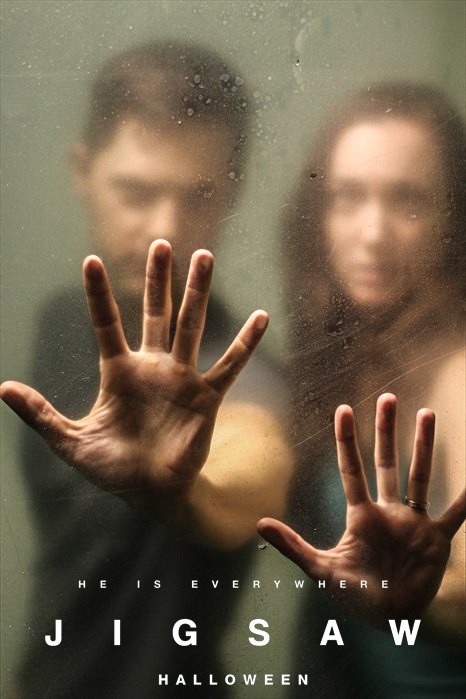

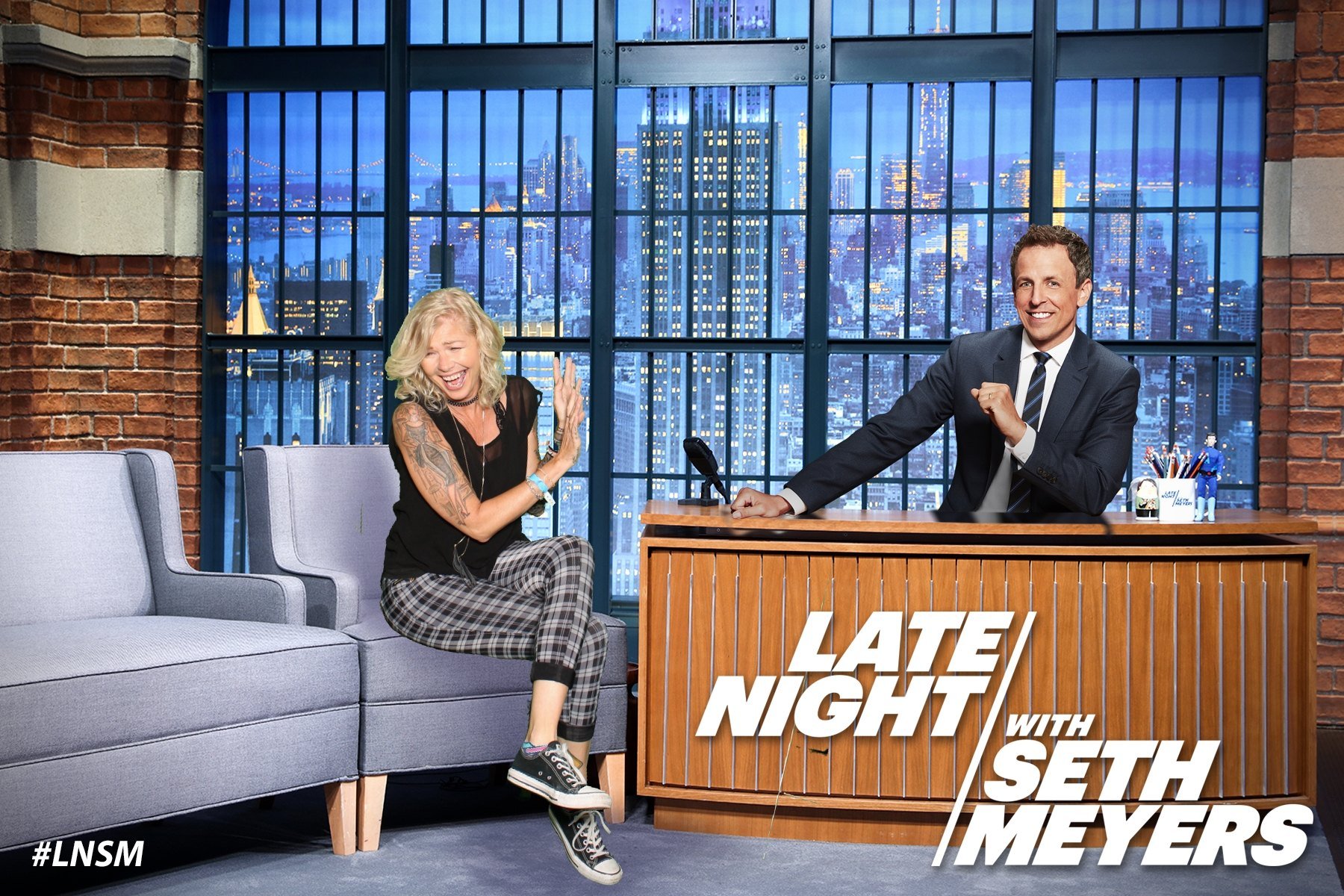
Create multi-frame photo animations or boomerangs with green screen backgrounds, custom logos, and filter effects!

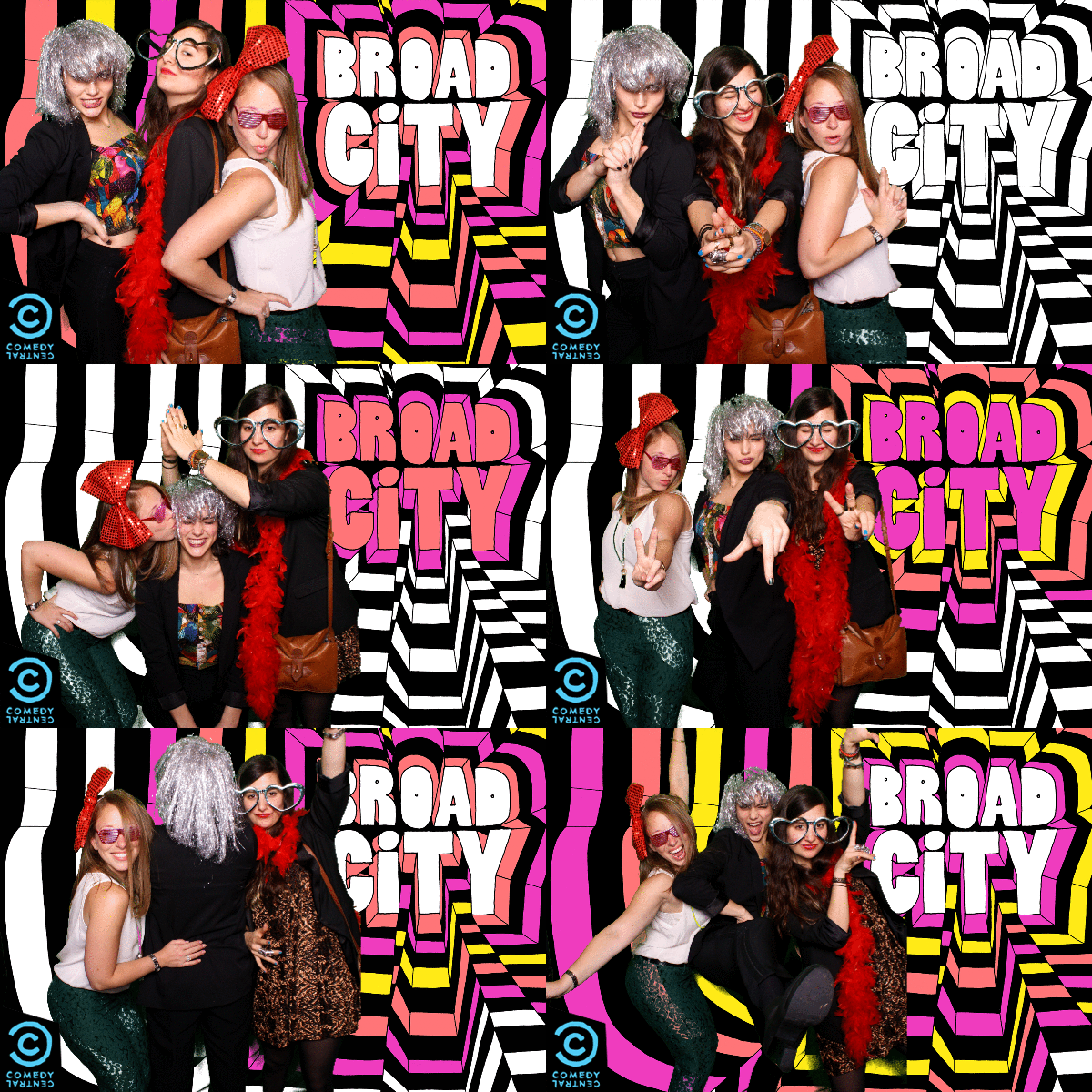


Records video clips of your guests dancing, jumping, throwing confetti, and shooting off streamers then instantly transforms them into ultra slow-motion videos, green screen videos, or pan-tilt-zoom music videos
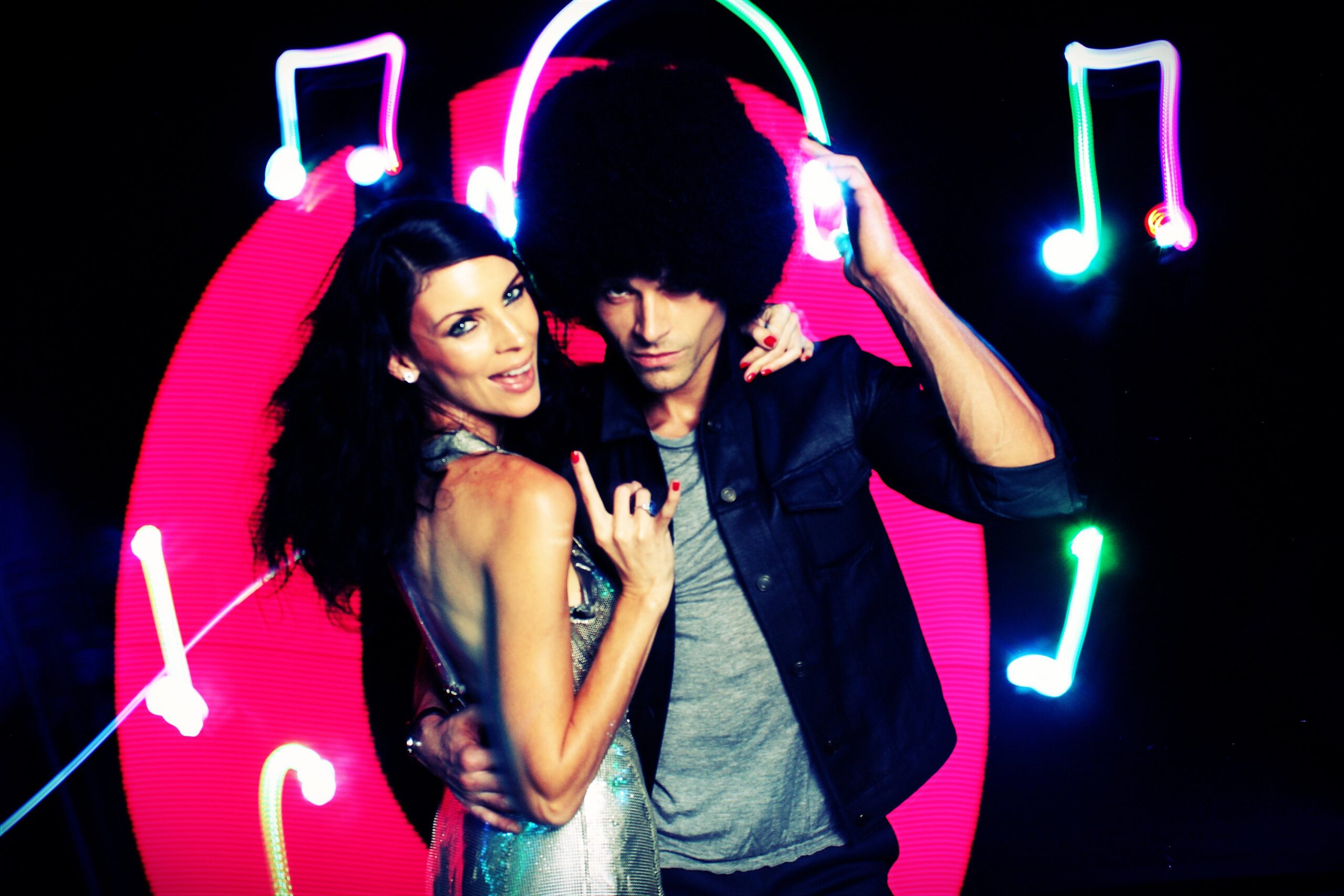
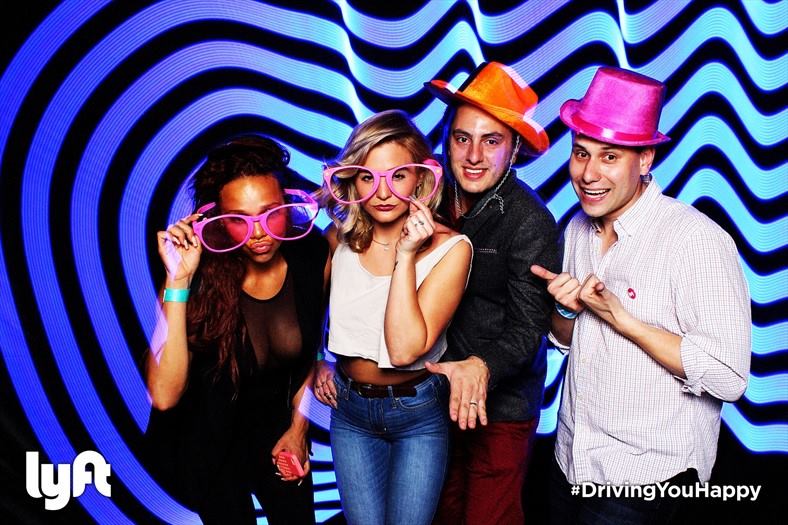
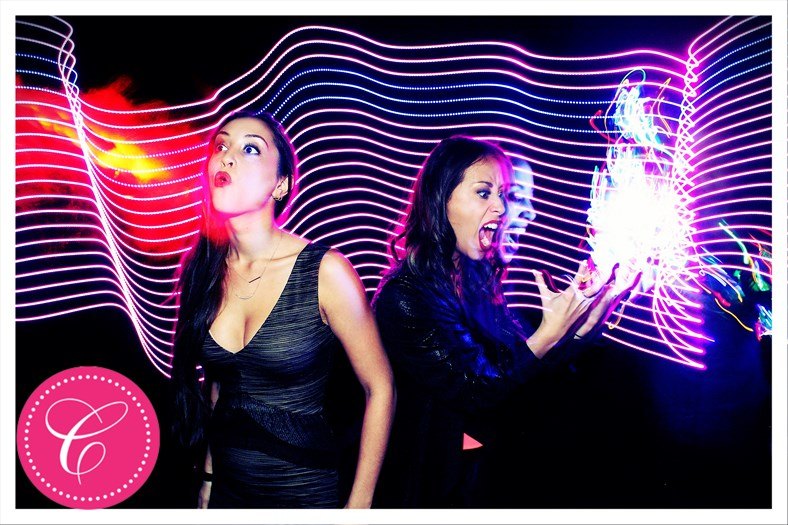
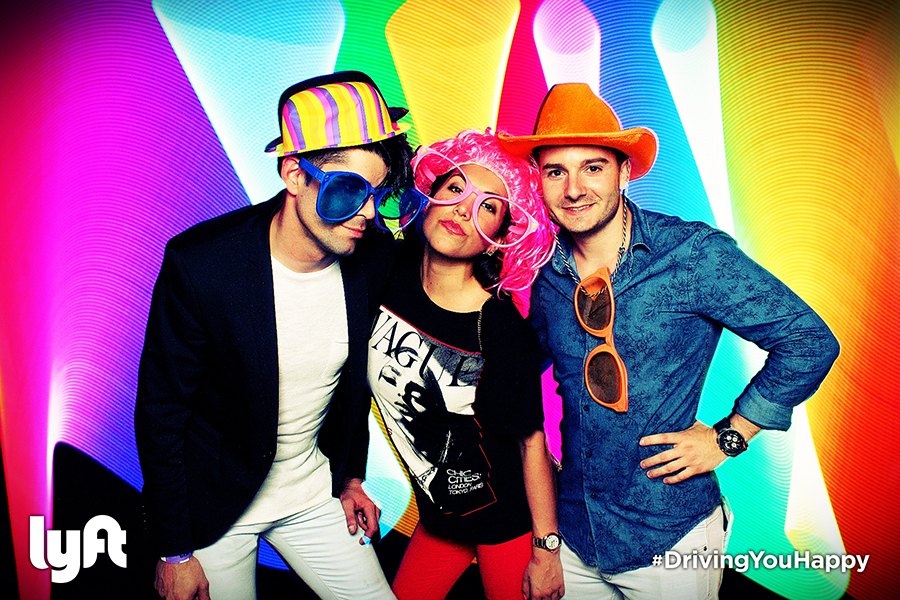
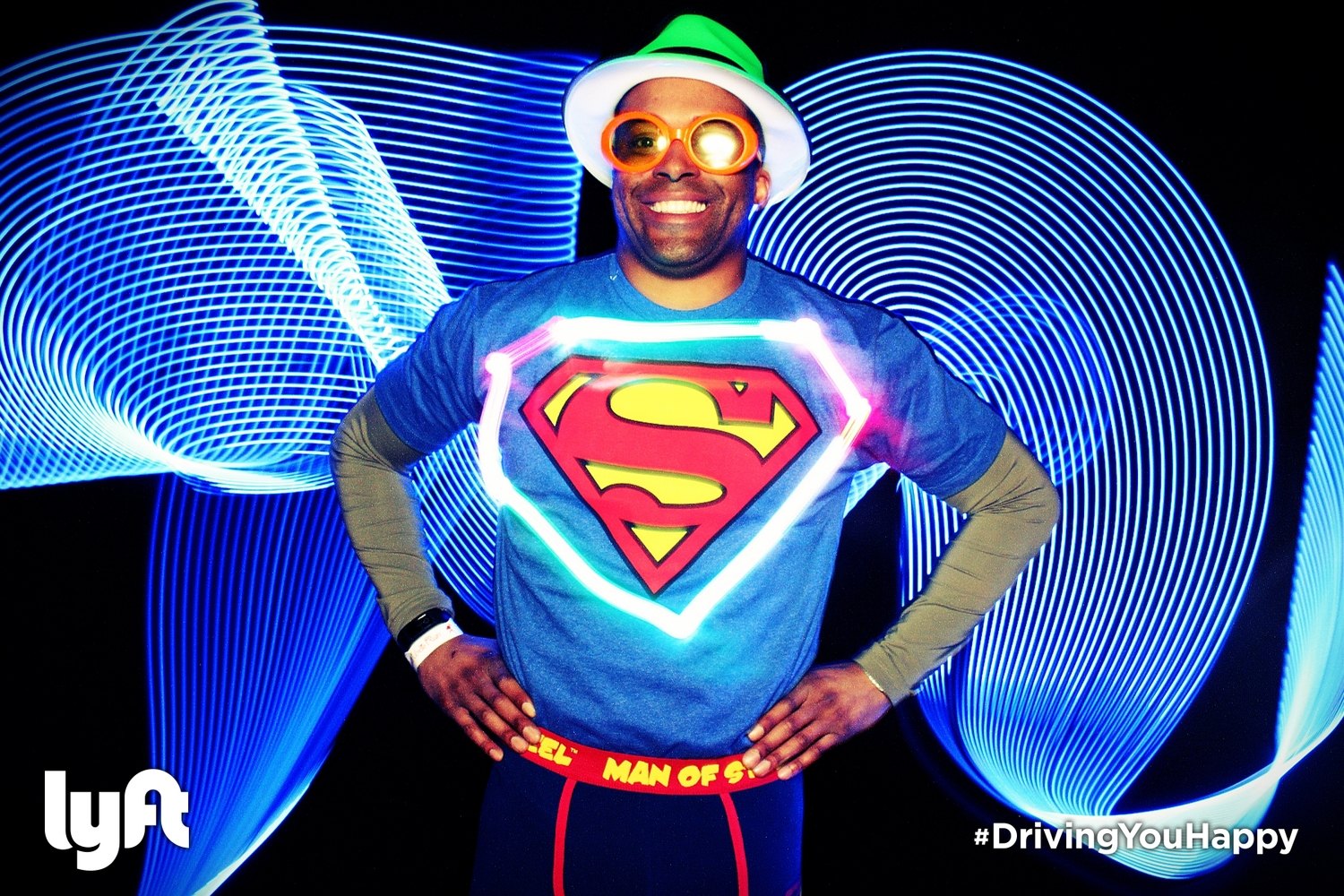
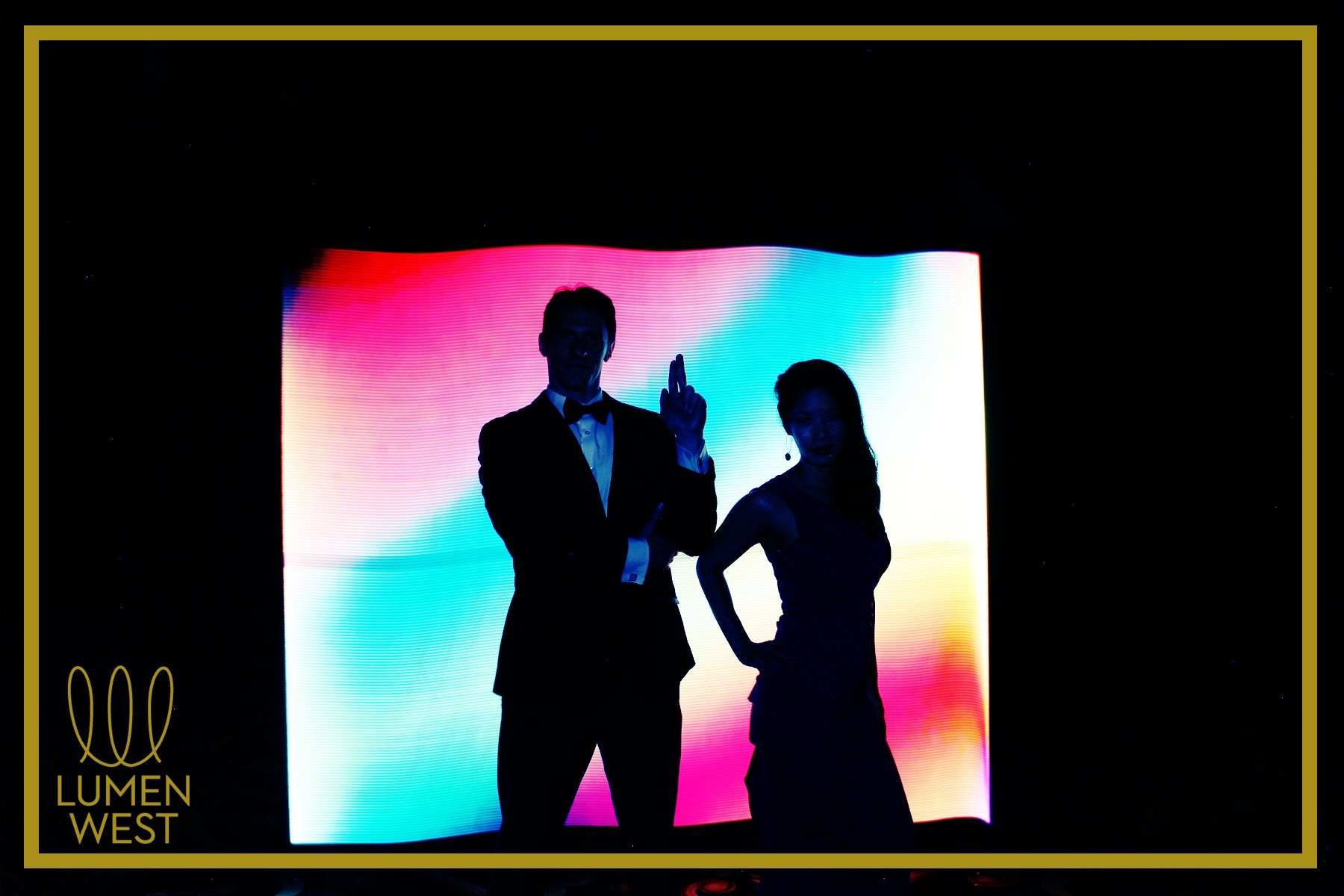
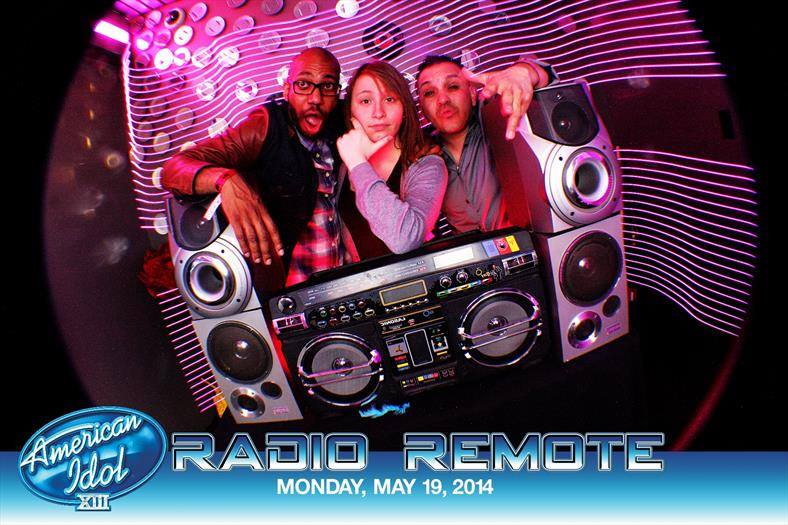
Using Photo Booth Upload and our custom light painting tools, guests can draw in mid-air with light and see their creation come to life in real time.

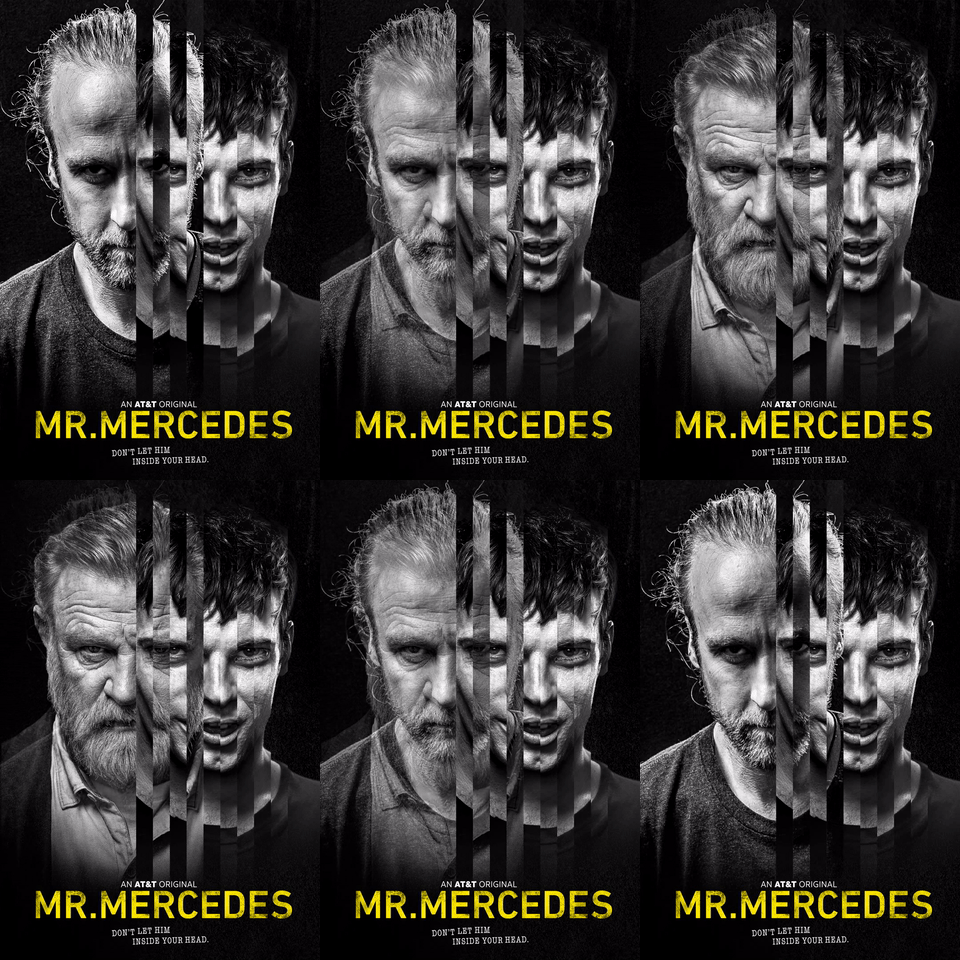
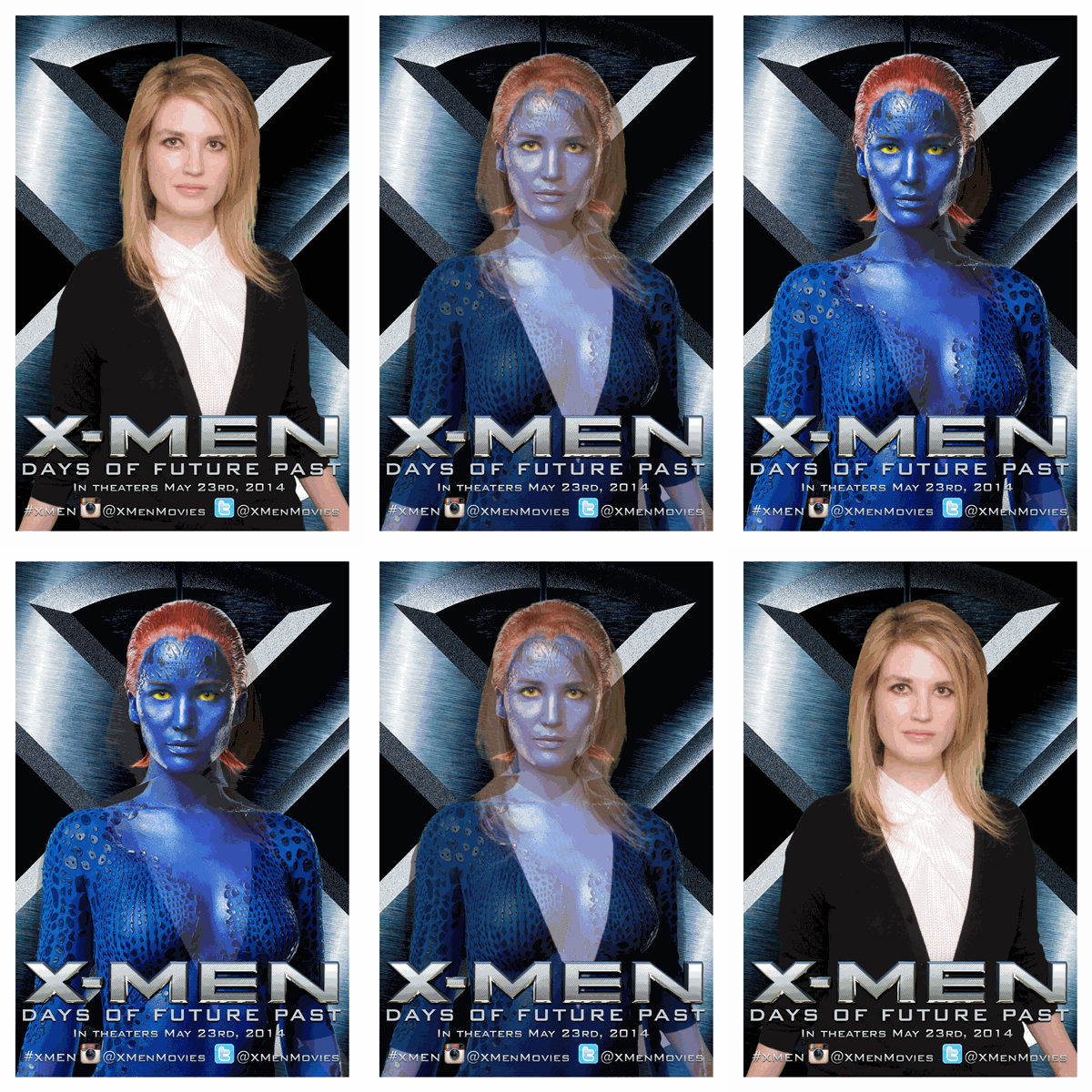
Morph your face into your friend’s face or any celebrity, animal, or even cartoon character with this feature! Add music, branding, and green screen





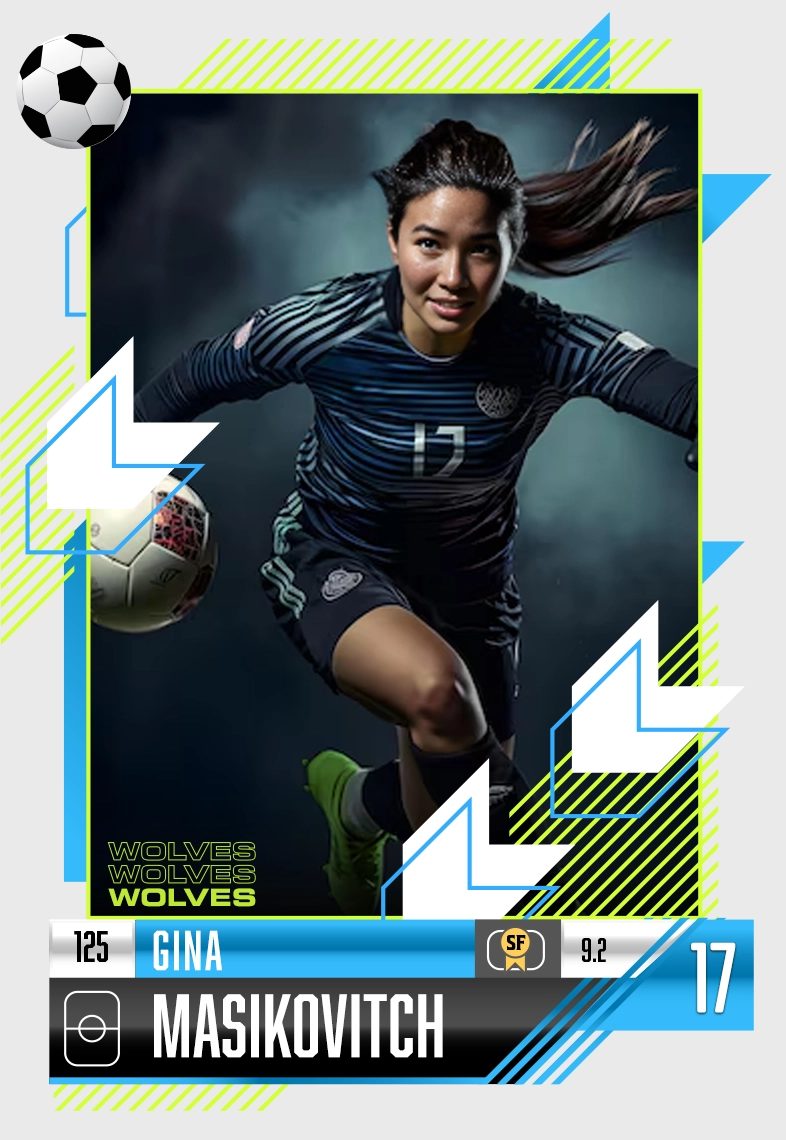
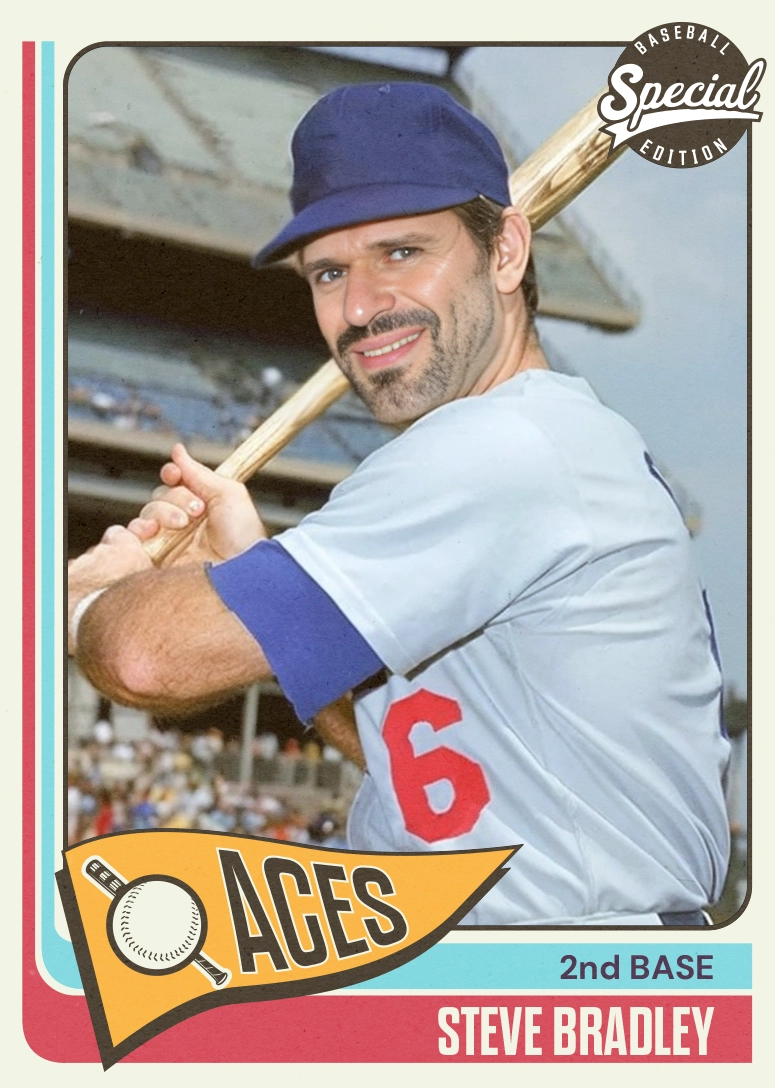
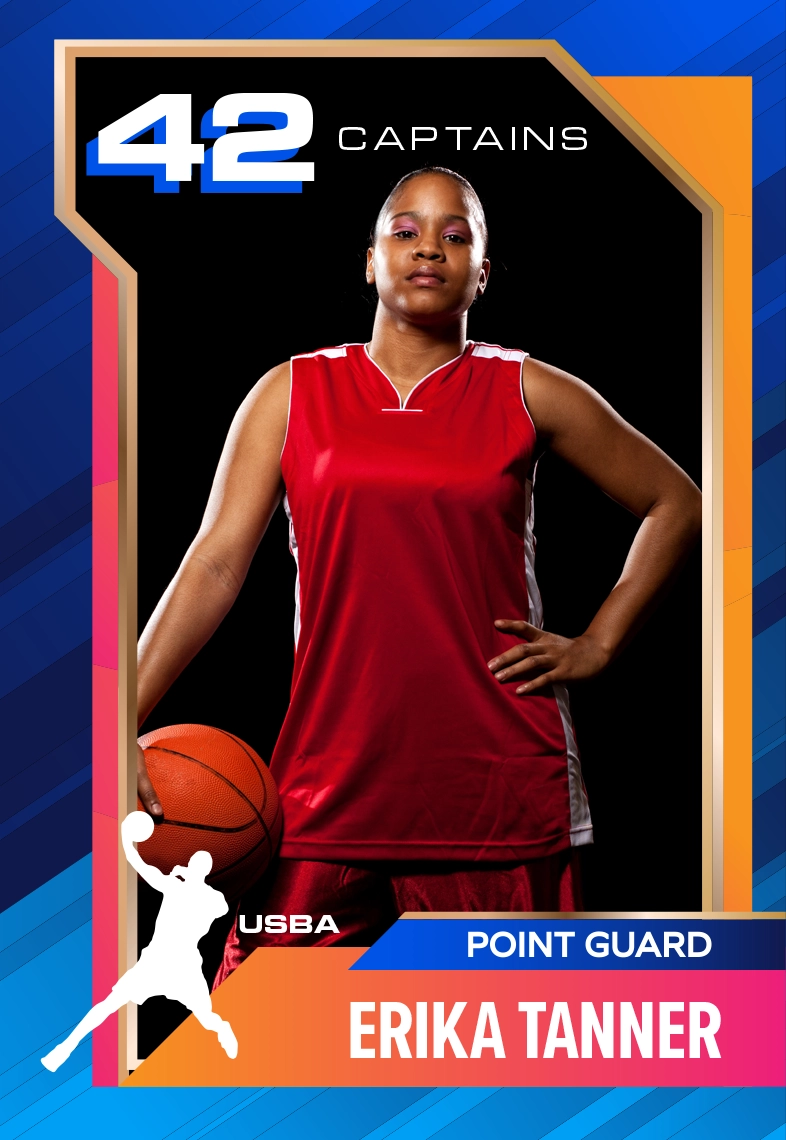
Create trading cards for your favorite sport or team at your next event! Print them on double-sided cards and put them in a holder or sleeve to make yours look like the real thing!
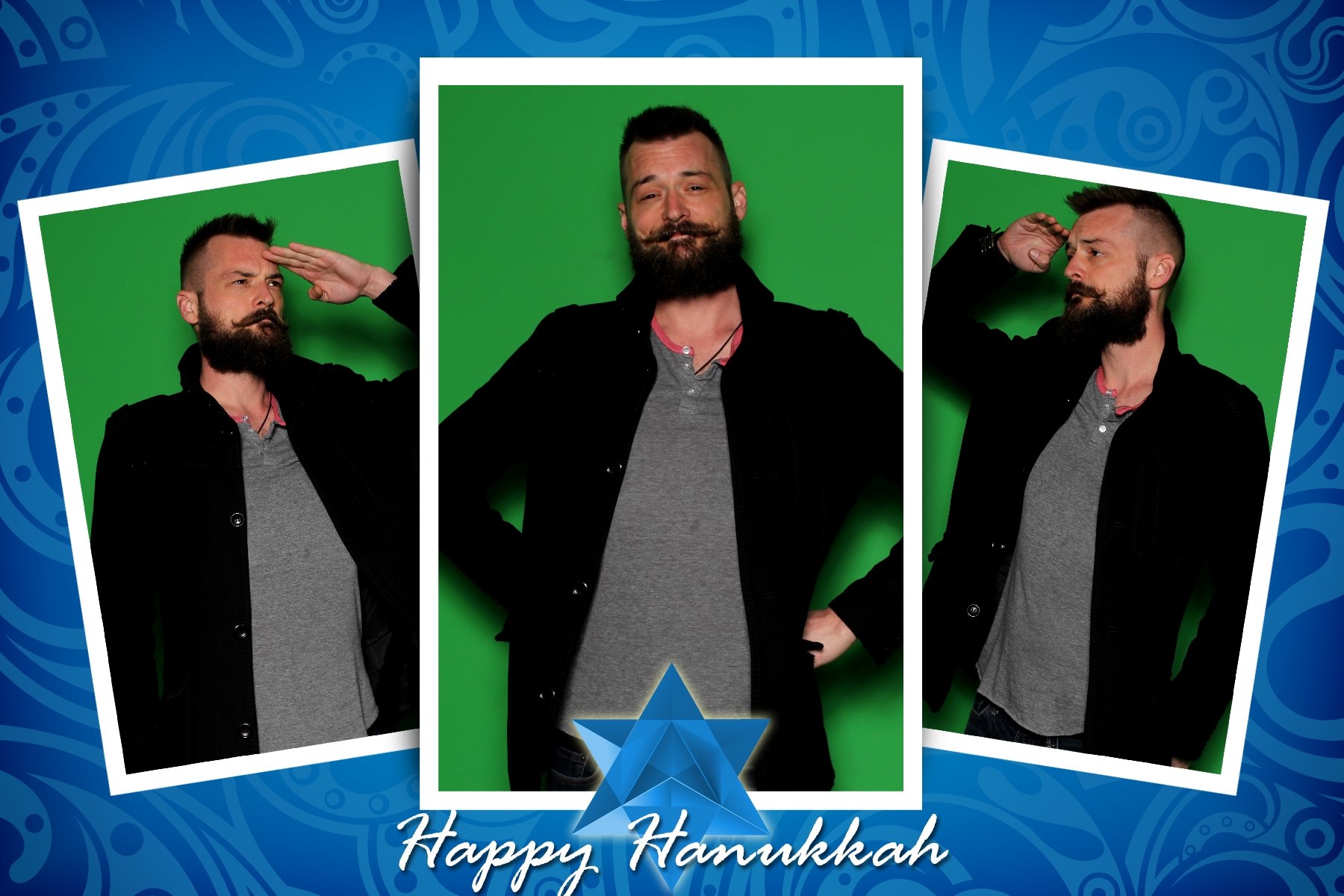
Build your own multi-image layouts in Photo Booth Upload in a variety of sizes including photostrips, 4×6, 5×7, 1×1 and more!
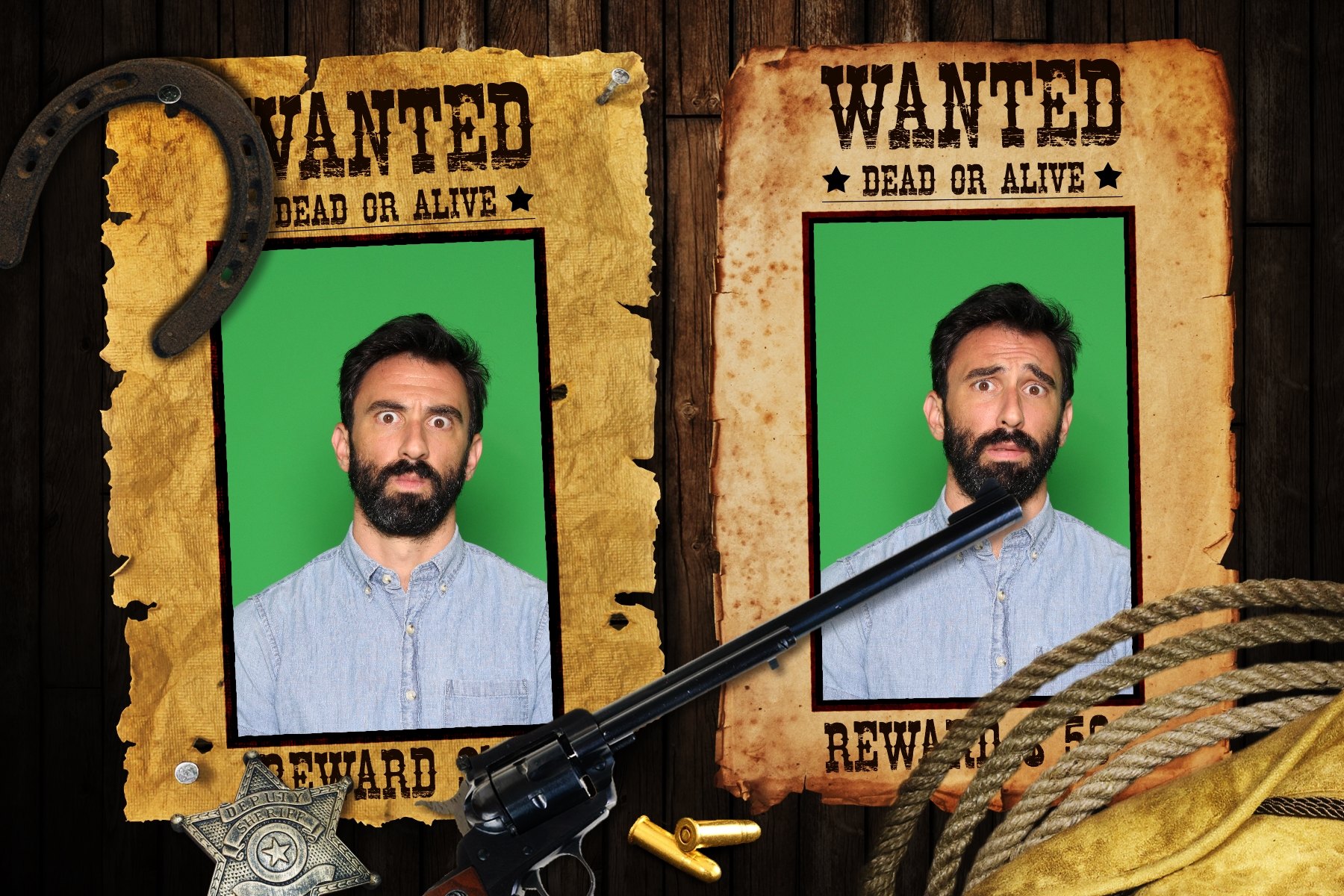
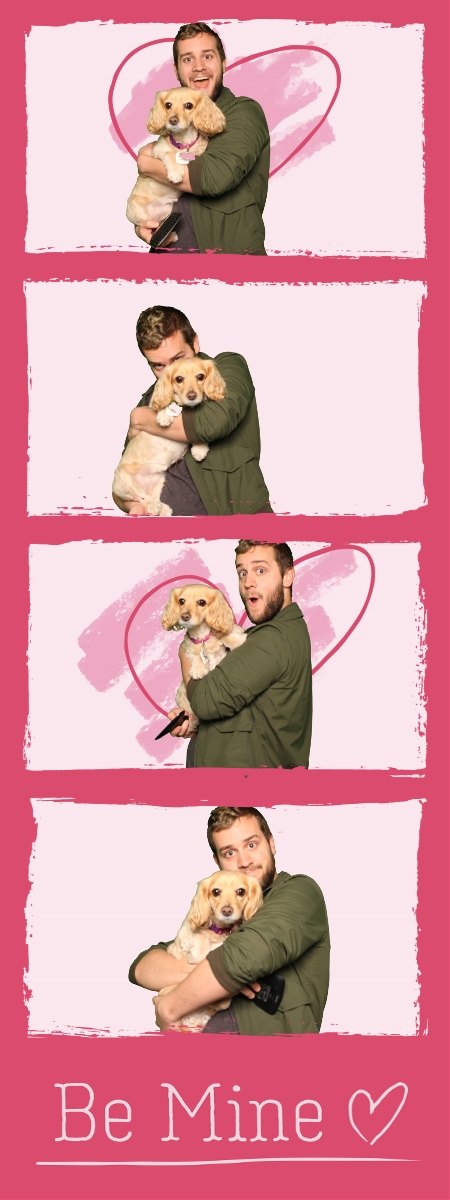
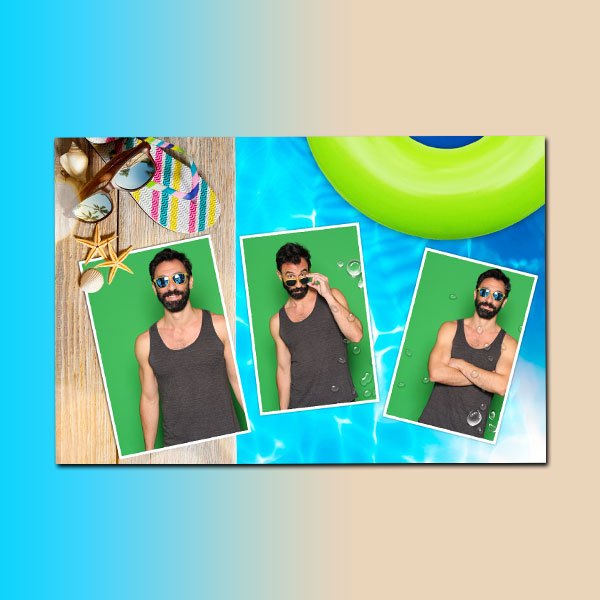
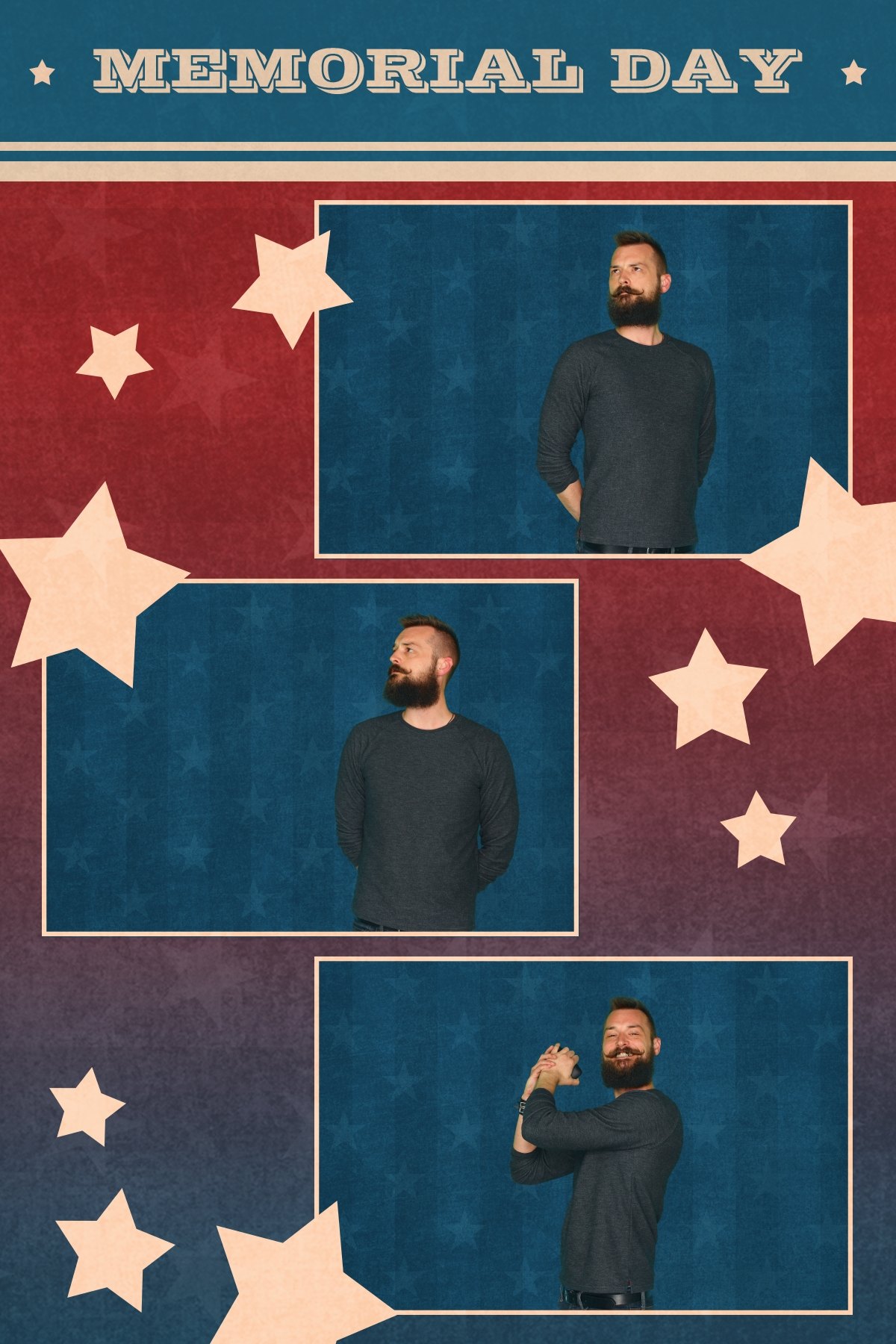
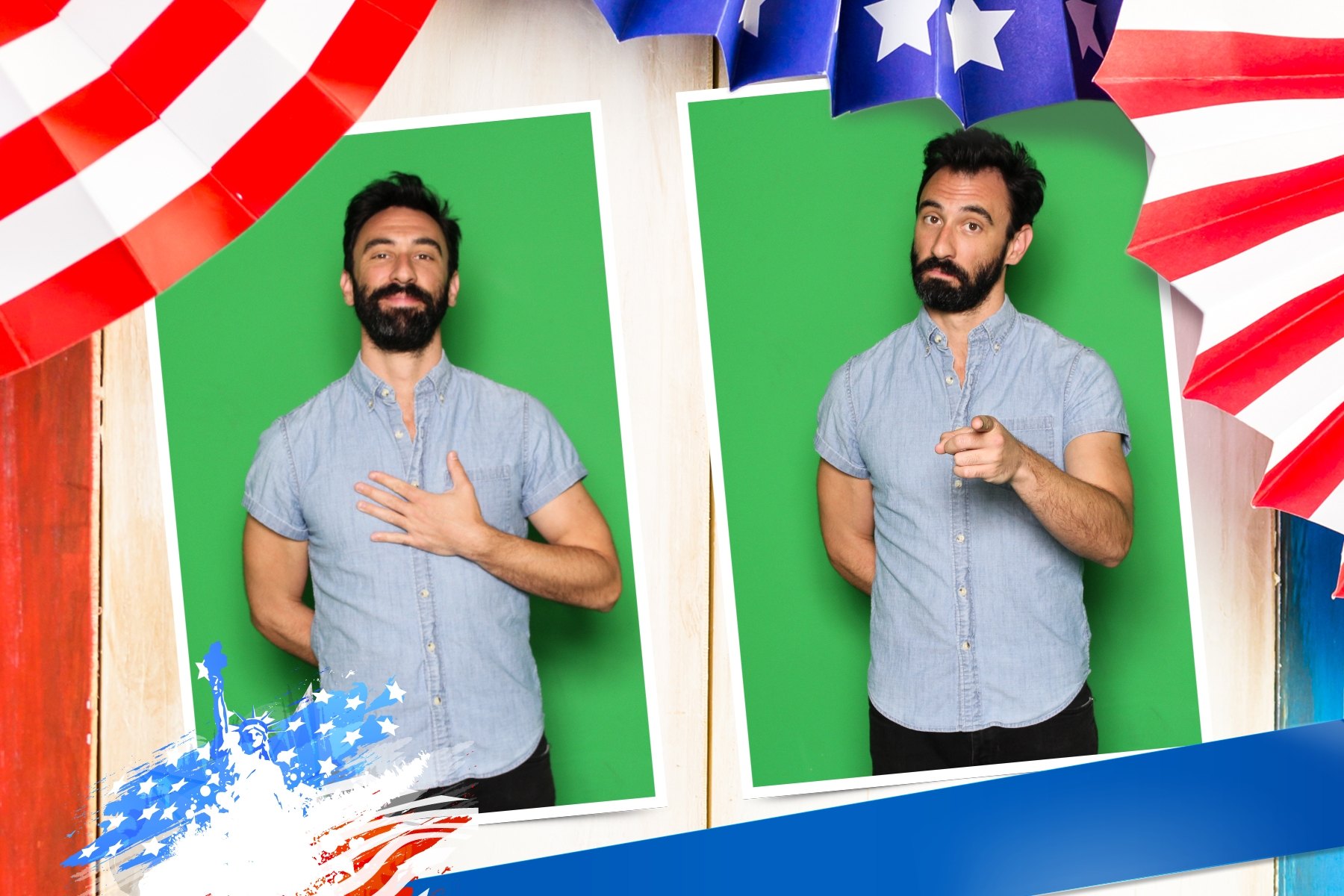
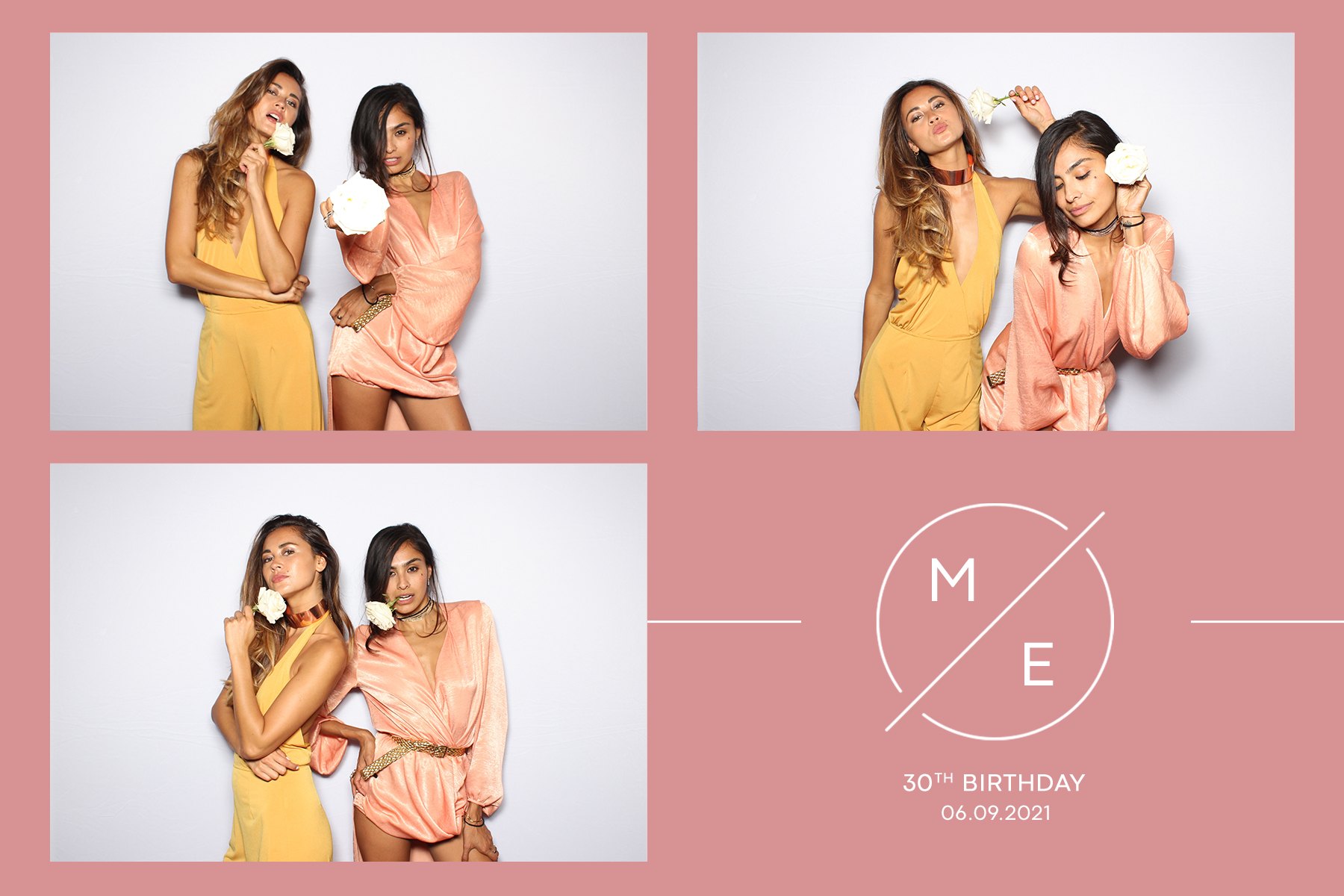
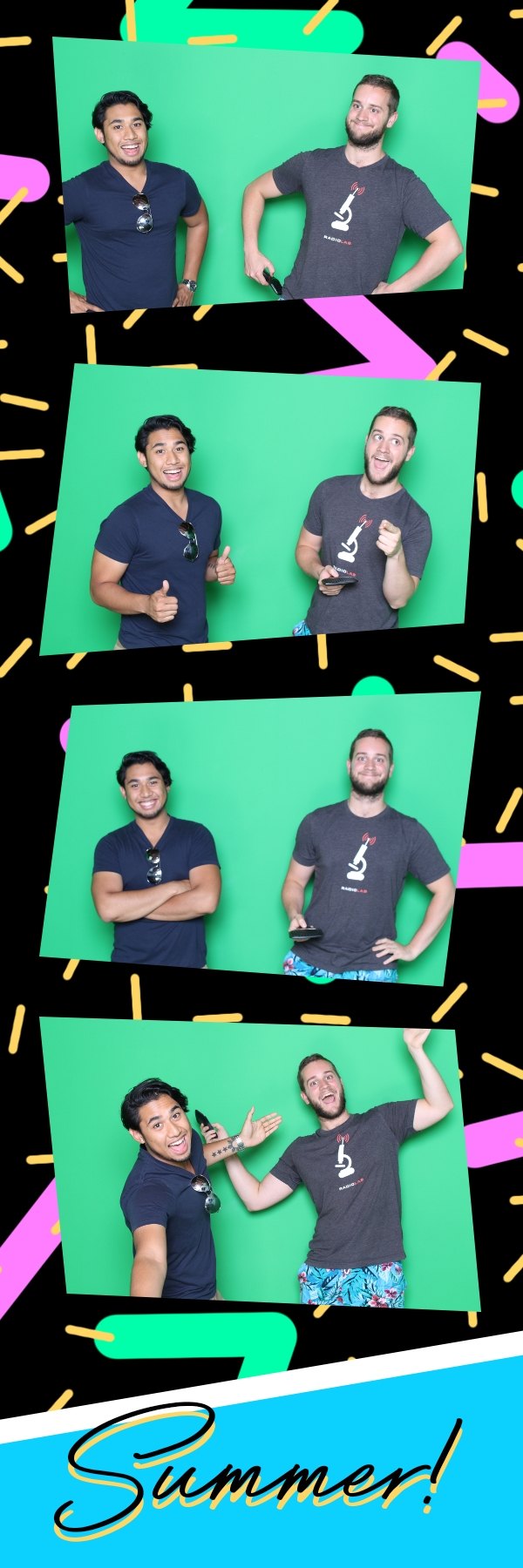
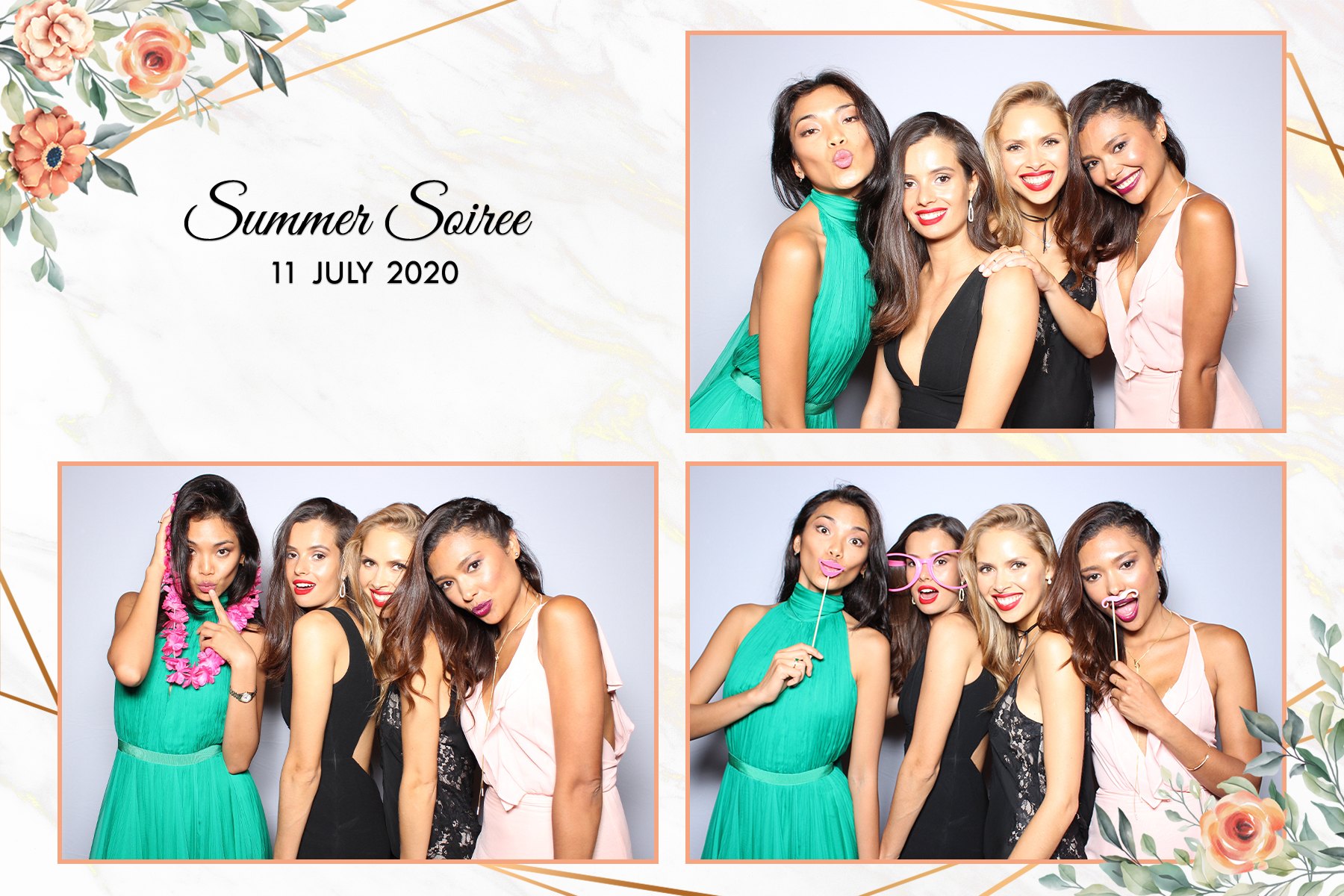
Print your animated GIF, morph, or combine any two images to create a lenticular image.
The devil is in the details. That’s why we’ve included a wide menu of intergrated products and filters that work with our features. Everything from adjustable glitch filters, dub-smash karaoke, and augmented reality! Everything to take your photo booth experience to the next level.
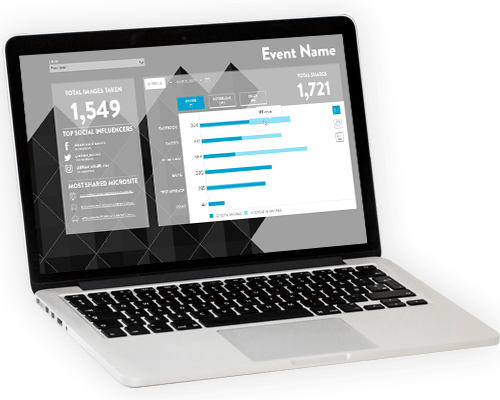
Share to Facebook, Twitter, Instagram, email, text, and print. Track engagements and impressions at your event. Or integrate surveys, disclaimers, age gates, opt-in options, GDPR protections, and even hashtag printing.
Our software design can be tailored for any event. Add custom designed buttons and softwares backgrounds, splash screens, slideshows, instructions, advertisments, and more.

Download our free Wedding Tool Kit to get start selling photo booths to your wedding planners.
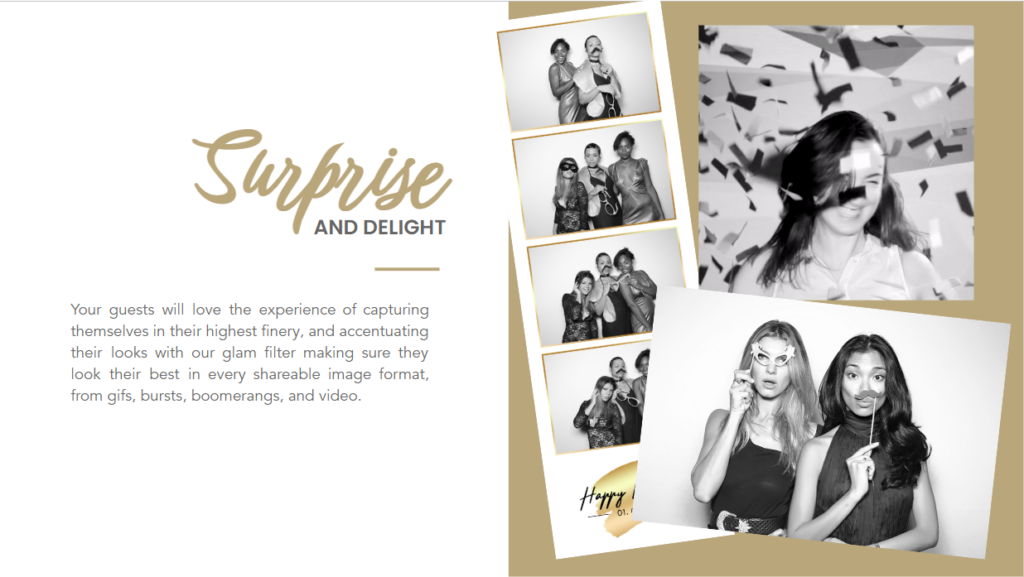

From your next Halloween costume party to your corporate holiday parties, we’ve got some AI prompts to wow your guests.
Hear what some of our thousands of pro users are saying about us.
Choose a plan that fits your business, whether it’s weekly, annual, or lifetime!
Photo Booth Upload uses our sharing software, Photo Party Upload, to send your photos to email, text, social media, or a printer.
There are three parts to Photo Party Upload.
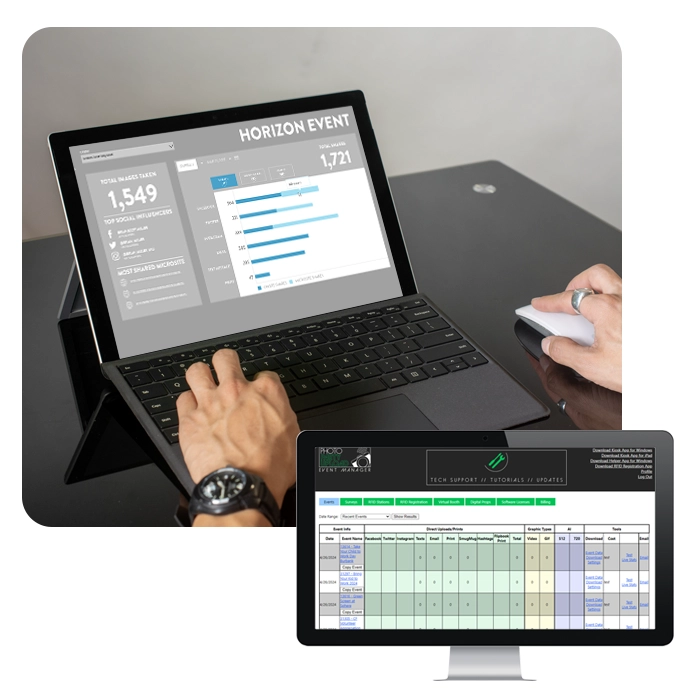
1. EVENT MANAGER
The Event Manager website helps you configure your event settings and options for your upcoming event.
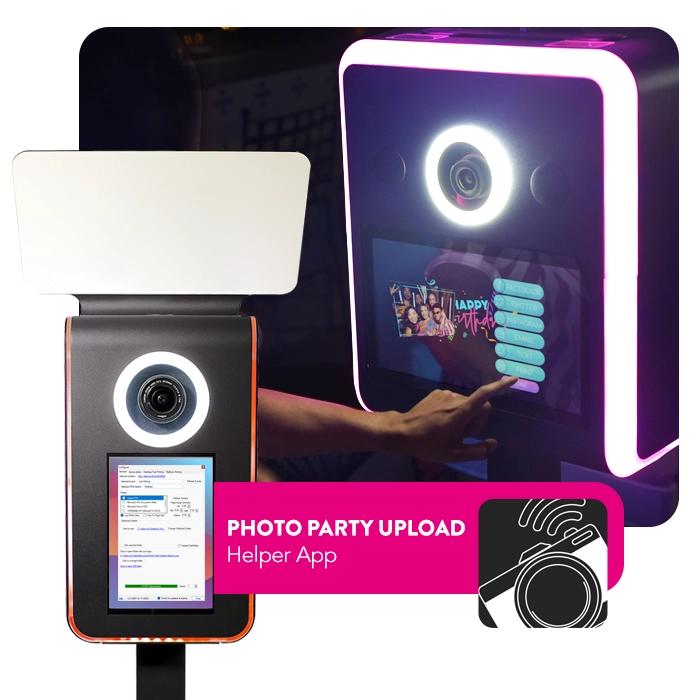
2. The Helper App
The Helper App lives on your photo booth and syncs with the Event Manager settings you have created. Then it monitors the photo booth output folder and allows your images to be shared on a nearby tablet.
3. The kiosk App
The Kiosk App lives on your Windows or Apple Tablet and receives the images from the Helper App on your photo booth and builds an interactive gallery. This gallery allows you to print or share to email, text, or social media.
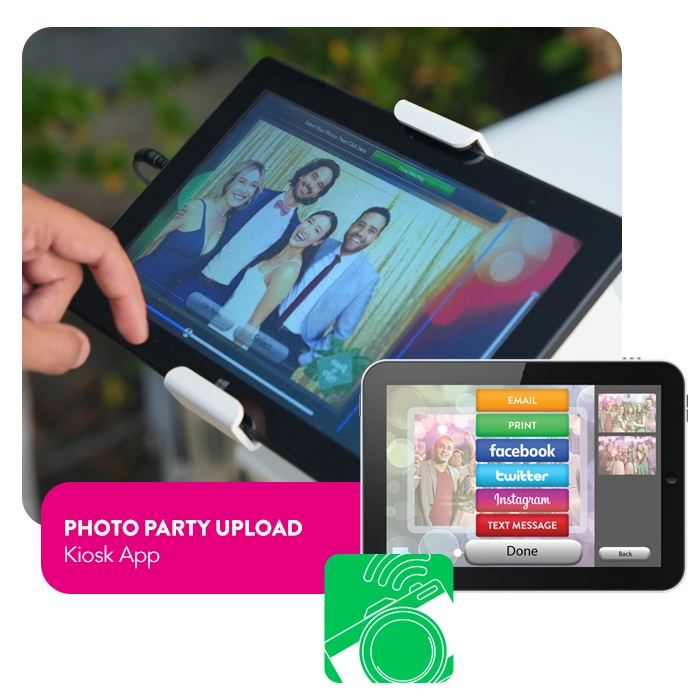
Photo Party upload and Photo booth Upload
The diagram below illustrates how Photo Party Upload works with Photo Booth Upload.
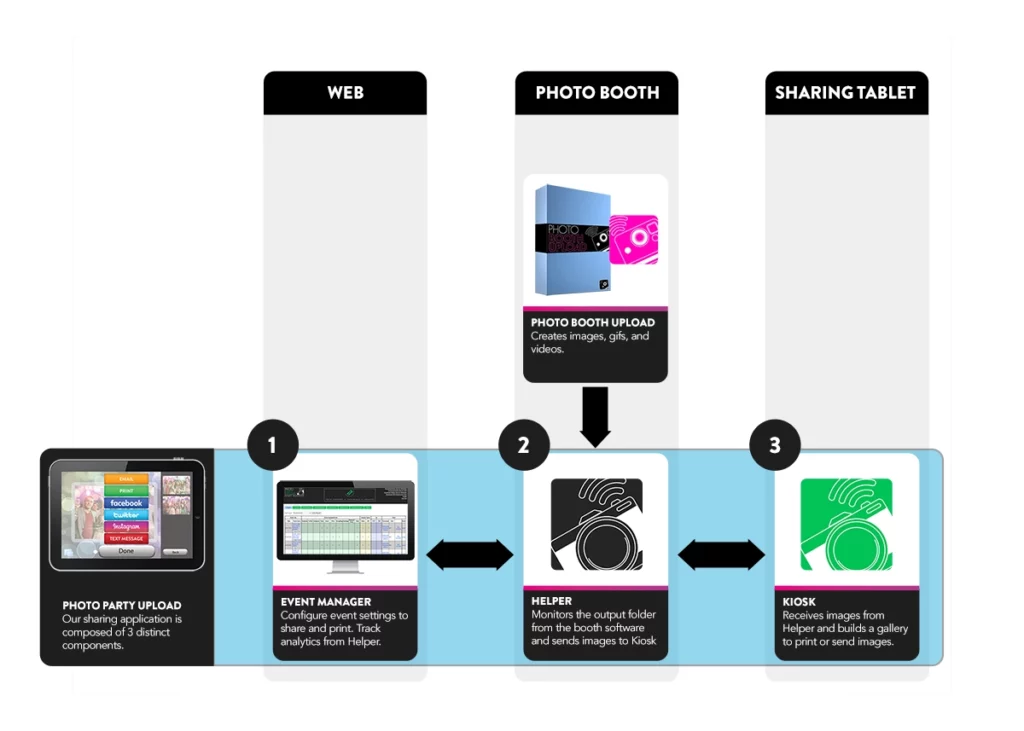
Photo Booth Upload requires a compatible Windows computer and a capture device such as a Canon DSLR, webcam, or slow-motion camera, depending on the experience. For best performance, use Windows 10 or 11, at least 8 GB RAM, and stronger specs for more demanding workflows.
Photo Booth Upload is Windows-based software and is not compatible with Apple/iMac computers. iPad sharing can still be supported through Photo Party Upload Kiosk, but the core PBU capture workflow should be planned around a Windows system that meets the recommended hardware and operating system requirements.
Yes. Photo Booth Upload supports A.I. features, including Generative A.I. and Face Swap workflows. A.I. is added to a specific PBU license through Event Manager, and operators can test A.I. before purchasing the add-on, though trial outputs may include watermarks.
Photo Booth Upload supports Generative A.I. transformations and Face Swap filters. Operators can use preset filters, create custom A.I. prompts, or build Face Swap effects from target artwork. That makes PBU useful for themed events, branded activations, stylized portraits, trading cards, and guest transformations that feel more custom than a standard photo booth capture.
Most A.I. images process in about 30 seconds, though timing can vary based on image resolution, internet connection, capture volume, server load, and how many renderings are created from each photo. PBU can also allow guests to share while processing, then deliver the A.I. image once rendering is complete.
Yes. A.I. filters can be used with Page Designer, so branded overlays and custom layouts can be applied to A.I.-generated content the same way they are applied to non-A.I. photos. This is especially useful for branded activations, sponsor moments, trading cards, photo strips, and event takeaways.
Photo Booth Upload creates the photos, GIFs, videos, and other event media. Photo Party Upload handles sharing, delivery, and distribution. Together, they let operators capture content in PBU and send it through PPU workflows for email, text, social sharing, printing, tablet galleries, and guest-facing delivery.
Yes. Photo Booth Upload uses Photo Party Upload for sharing and print delivery workflows. PBU creates the content, while PPU manages event settings, watched folders, Kiosk sharing, email, text, social media, and print delivery. That pairing is what turns the capture software into a full event sharing workflow.
Photo Booth Upload offers flexible license options, including weekly, annual, and lifetime plans. Operators can choose the license length that fits their business, whether they need software for a single event, a season of bookings, or long-term use across a photo booth fleet. A.I. features are available as a separate add-on.
Updates are included for the duration of the license purchased. That means update access follows the license term, whether an operator chooses a weekly, annual, or lifetime license. For photo booth businesses, this helps keep the software current while matching the way they prefer to buy and use PBU.
License duration depends on the plan purchased. Photo Booth Upload offers flexible license lengths, including weekly, annual, and lifetime options, so operators can choose the right fit for their booking volume and business model. A short-term license can work for a specific event, while lifetime licensing supports long-term booth ownership.
Yes. LA Photo Party provides tech support by phone and email, with tutorials and documentation also available through the support portal. Support should stay visible on the PBU page because reliability matters when operators are running live events, managing clients, and troubleshooting booth workflows under real production pressure.
Yes. If a photo booth computer breaks down or needs to be replaced, a Photo Booth Upload license can be transferred to another computer within the current license policy. License transfers are available within defined policy limits, including transfer limits over time.
Photo Party Upload is event sharing software from LA Photo Party for photo booths, photographers, and brand activations. It helps move photos, GIFs, and videos from a booth or watched folder into guest-facing sharing options like email, text, social media, printing, tablet galleries, and branded delivery workflows.
Photo Party Upload works through a connected system made up of the Event Manager website, the Helper tool, the Kiosk app, and the media being shared. Event Manager controls the event settings, Helper manages the watched folder and distribution, and Kiosk gives guests a simple interface for selecting and sharing their media.
Event Manager is the web-based portal where event settings and sharing options are configured. Helper runs on a Windows PC, watches the output folder, and manages distribution. Kiosk is the guest-facing app on iPad, Windows tablets, or PCs where guests choose images and share, print, or interact with their event media.
Yes. Photo Party Upload can work with other content creation tools when media is saved into a watched folder. Media from compatible tools can be picked up from that folder and distributed through the Photo Party Upload system.
Photo Party Upload uses different components on different devices. Helper runs on a Windows PC. Kiosk is available for iPads, Windows tablets, and Windows PCs. Event Manager is web-based and can be accessed through a browser.
Yes. Photo Party Upload can support branded guest-facing experiences through customizable Kiosk backgrounds, buttons, overlays, digital props, surveys, disclaimers, and microsites. This makes it useful for corporate events, brand activations, sponsor programs, and photo booth businesses that need guest delivery to match the event’s look and campaign goals.
Yes. Photo Party Upload includes event reporting and data capture tools. The PPU page references statistics, email collection, social media shares, user credentials, surveys, disclaimers, and event reports, making it useful for operators and marketing teams that need more than simple photo delivery.
Yes. Photo Party Upload supports QR code sharing through the Windows Kiosk when Unique URL sharing is enabled for the event. Guests can select their media, scan the QR code on the screen, and receive a unique URL for their photo or set of photos without entering an email address or phone number.
Photo Party Upload offers several pricing options after the free trial, including per-upload, per-event, monthly, and annual plans. Plan options include basic per-upload pricing, a pro per-event plan, an advanced monthly plan, and a business annual plan, with some extras billed separately.
No. Photo Party Upload can support photos, videos, and GIFs, depending on the media being created and saved into the watched folder. The system is designed around distributing event media, so it can support photo booth outputs, video clips, GIFs, and branded sharing workflows from compatible capture tools.
Drop your email below and receive 10% off our award-winning software.*
*for new customers only. Only valid for annual and lifetime licenses
Fill in your details and we’ll get back to you in no time.
Access your download either by the checking email you used during checkout or by accessing the Downloads section of the “My Account” page.
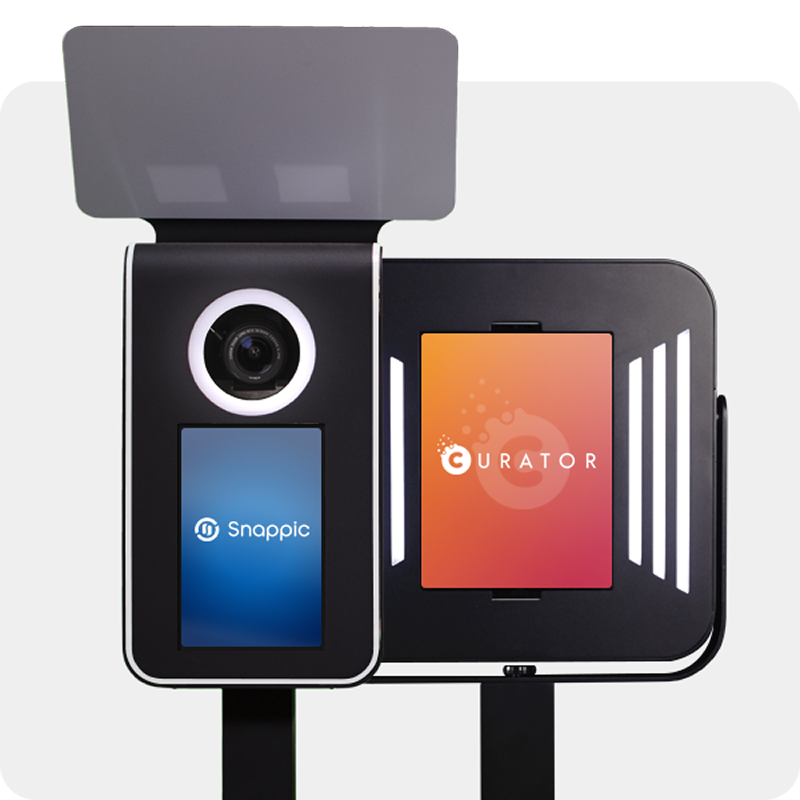
Venture Go and Explorer work with industry-leading iPad apps. We’ve partnered with two powerful platforms—each trusted by photo booth pros worldwide.
SELECT an app to learn more