...
Muse Mosaic Logo

MUSE
MOSAIC

Muse Mosaic 2.0

live photo mosaic software.

Now with 2.0x the power

Muse Mosaic

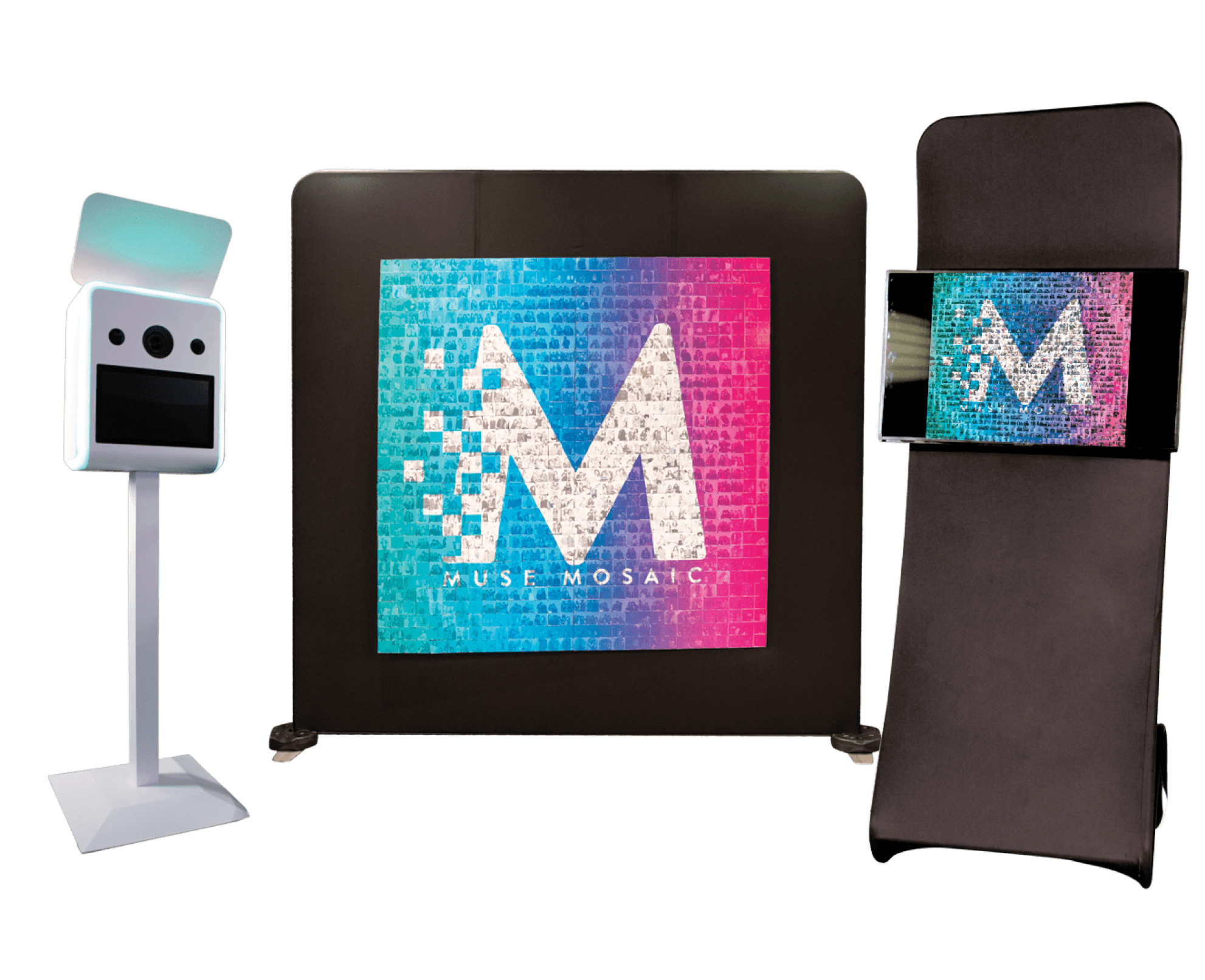
Muse Mosaic builds a mosaic live at your event from photos captured at your event. Sync photos through your photo booth, social media hashtags, and roaming photographers to create a masterpiece one frame at a time. Share your Mosaic live online for everyone to see and join in on the fun.

Getting started with mosaic

Learn how you can profit from Muse Mosaic at live and virtual events from one of our loyal owners.

see mosaics in Action

Corporate events 

Watch Muse Mosaic at a multi-day live activation for a convention.

Private Social parties

Add Muse Mosaic to your next wedding photo booth to create a keepsake for the bride and groom.

Features

New in Muse Mosaic 2.0.

Online Mosaic

64-Bit architecture

Graphics Accelerated Rendering

Screen Saver and Screen Recorder in Live View

Additional Animation features in Mosaic Final Video

Tile Refreshing

Rich Density Map Upgrade

Mosaic Calculator

High-Quality Image Scaling

User Experience Improvements

In addition to powerful classic Muse Mosaic Features and improvements:

Turnkey Hardware

We offer turnkey setup for events, including a magnetic mounting system, brandable monitor stands, Mosaic Printer, and much more. 

Frequently asked questions

  • Muse Mosaic is live photo mosaic software from LA Photo Party for building printed, digital, online, and event-based mosaics from guest images. It can turn photos from a photo booth, roaming photographer, social hashtag workflow, or watched folder into one larger shared image that builds during the event.

Muse Mosaic builds a larger image one photo tile at a time. Images are added into a watched folder, reviewed or moderated when needed, and then placed into the mosaic as the event progresses. The result can be displayed live, saved as a final image, or used as part of a printed or digital mosaic experience.

Muse Mosaic can use images from photo booths, roaming photographers, watched folders, and social hashtag workflows when paired with supporting tools like Photo Party Upload. This makes it flexible for live events, brand activations, conventions, weddings, and hybrid programs where images may come from more than one capture point.

Yes. Muse Mosaic can create printed and digital mosaics, including live event displays and final mosaic outputs. The software supports event workflows where tiles are printed for a physical board, displayed digitally as the image builds, or saved as a finished piece for post-event delivery, recap content, or keepsake use.

Yes. Muse Mosaic can create online mosaics that extend the experience beyond the event floor. A finished mosaic can live on the web so guests, clients, and remote audiences can revisit the final image, explore the photo tiles, and keep interacting with the shared event artwork after the live activation is over.

Yes. Muse Mosaic supports photo moderation workflows so images can be reviewed before they appear in the live mosaic. This is useful for public events, brand activations, conventions, and social campaigns where content control matters and teams need the final image to stay polished, appropriate, and on-brand.

Yes. Muse Mosaic can support branded digital mosaic experiences, live viewer displays, and event-facing presentation. Operators can style the mosaic experience around a campaign, sponsor, wedding, conference, or brand activation so the final image feels connected to the client event rather than a generic photo wall.

Muse Mosaic can support corporate events, conventions, brand activations, weddings, galas, private parties, and hybrid programs where guest images build one shared final image. Operators can use it for live displays, printed tile mosaics, online mosaics, and post-event keepsakes depending on the client event goals.

Muse Mosaic runs on Windows 10 or 11 64-bit systems. Minimum guidance includes an i5 Intel or Ryzen 5 processor, 8 GB RAM, and a 19-inch monitor at 1280 x 1024. Recommended guidance includes an i7 Intel or Ryzen 7 processor, 16 GB RAM, and a 21.5-inch 1920 x 1080 display.

Muse Mosaic is sold as a software license. The current purchase structure includes first-year pricing and annual renewal pricing, making it a fit for operators who want to offer live photo mosaic experiences across multiple events, clients, and activation formats.

Muse Mosaic can include a large number of images in a single mosaic, with practical capacity depending on the storage and performance of the computer running the event. Larger mosaics should be planned with enough disk space, RAM, and processing power to keep the live build moving smoothly.

Muse Mosaic works best with common image formats such as JPEG, JPG, and PNG. These file types are practical for photo booth, photographer, and watched-folder workflows, making them strong choices for live event mosaics where images need to move quickly from capture to tile placement.

Yes. A Muse Mosaic license can be moved to another device with the Mosaic app installed, but each license can only be active on one computer at a time. The same license cannot be used to run two separate mosaic events on two computers simultaneously.

What our clients say

Get in touch

Fill in your details and we’ll get back to you in no time.

Take 10% Off

Drop your email below and receive 10% off our award-winning software.*

*for new customers only. Only valid for annual and lifetime licenses

Thank you for your purchase

Access your download either by the checking email you used during checkout or by accessing the Downloads section of the “My Account” page.

Choose your software

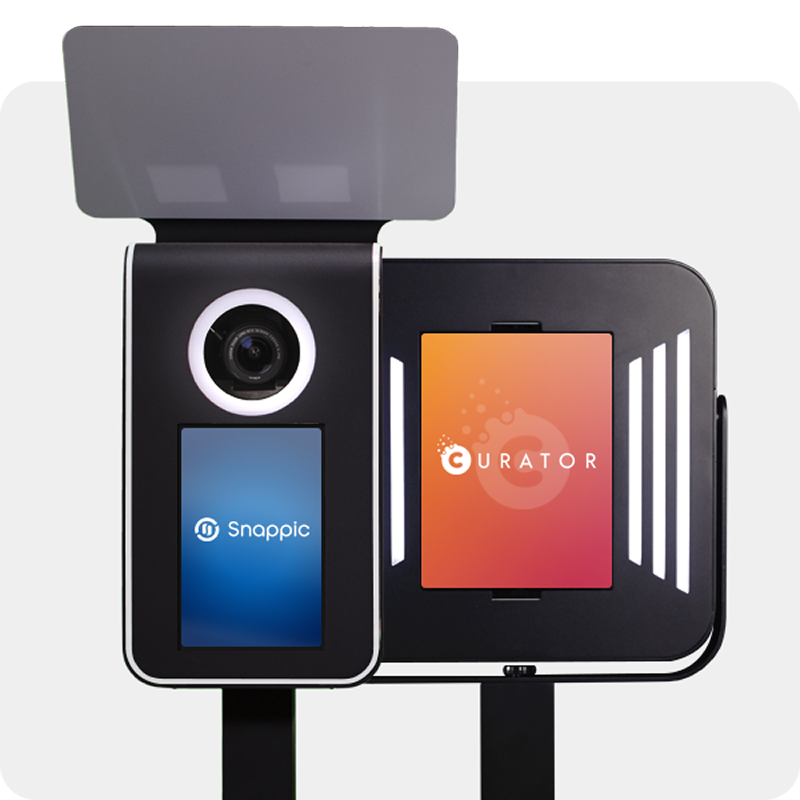
Venture Go and Explorer work with industry-leading iPad apps. We’ve partnered with two powerful platforms—each trusted by photo booth pros worldwide.

SELECT an app to learn more

0

Your Cart