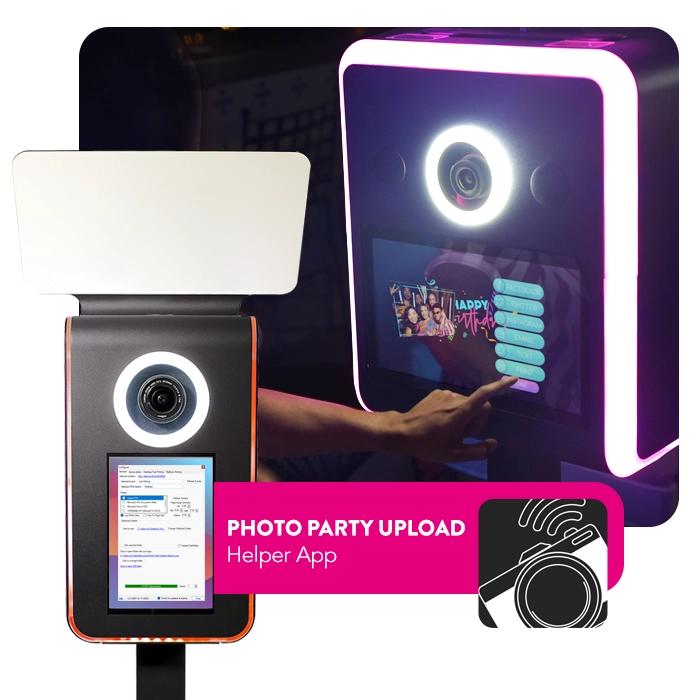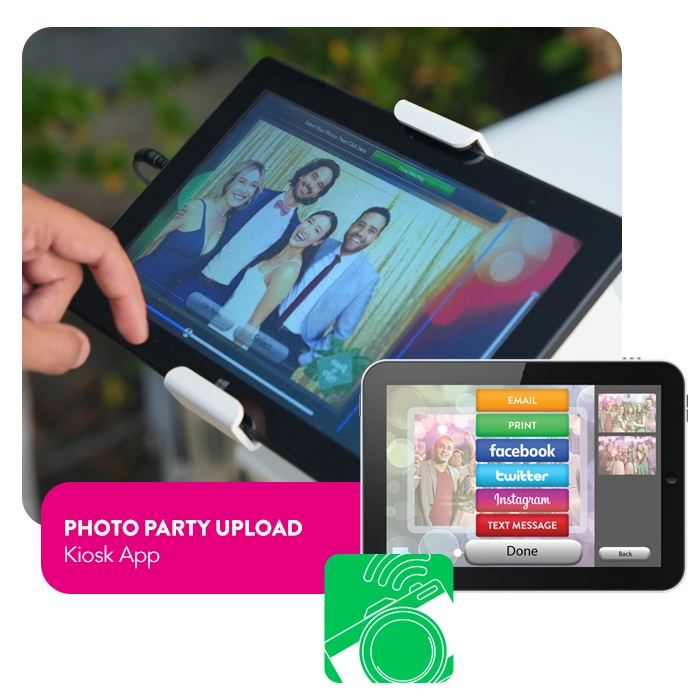
Photo Party Upload is an iPad® and Windows-based solution for event photographers, photo booth owners, and the marketing industry. The first of its kind, Photo Party Upload allows photographers to wirelessly transfer photos from their camera to a tablet. Guests can then upload their photos to their social media profiles, share them via text messages, or print them on demand.
Photo Party Upload has a wide variety of features that integrate social media sharing, data capture, analytics, and more.

Instantly share all photos, videos, and gifs to Facebook, Twitter, Instagram, Email, Text Message, and Print!

Add text, props, or drawings to any image.

Collect emails, social media shares, and user credentials to create a report for each event.

Create custom surveys and disclaimers to impact customer outreach.

Add your own custom digital props to any image. Available for both still and animated graphics.

Build branded microsites to host the events images.
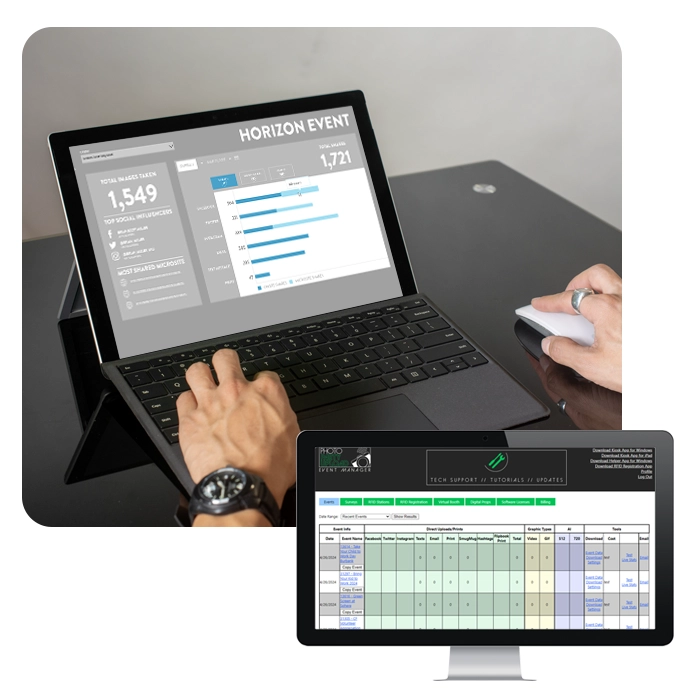
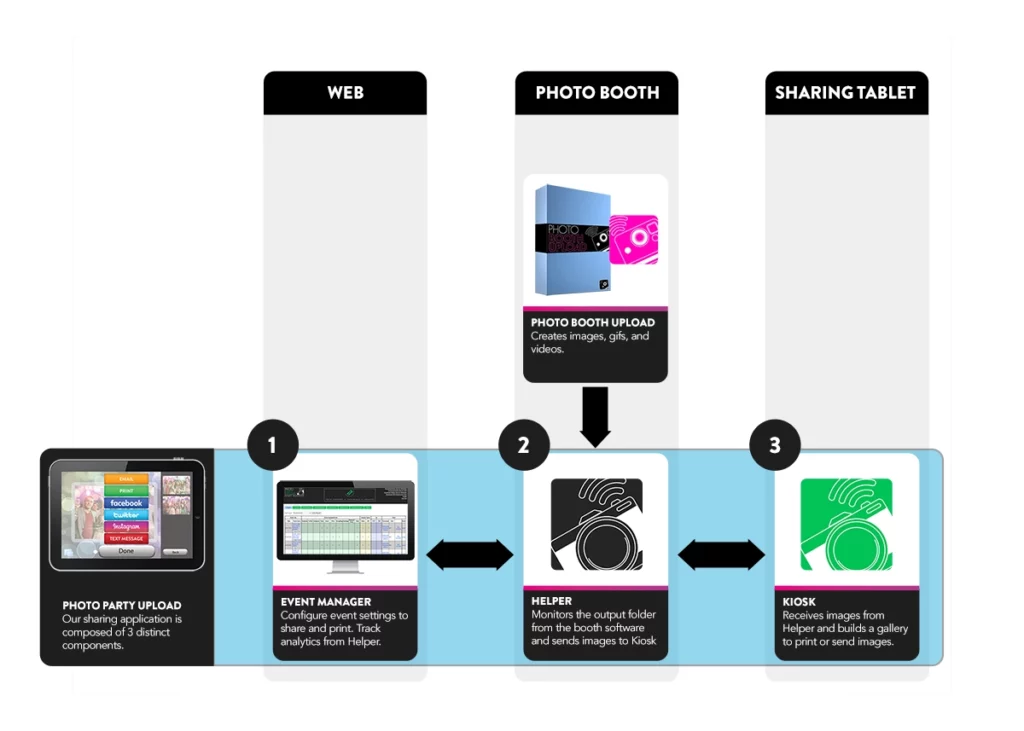
There are three parts to Photo Party Upload.
1. EVENT MANAGER
The Event Manager website helps you configure your event settings and options for your upcoming event.
2. The Helper App
The Helper App lives on your photo booth and syncs with the Event Manager settings you have created. Then it monitors the photo booth output folder and allows your images to be shared on a nearby tablet.
3. The kiosk App
The Kiosk App lives on your Windows or Apple Tablet and receives the images from the Helper App on your photo booth and builds an interactive gallery. This gallery allows you to print or share to email, text, or social media.
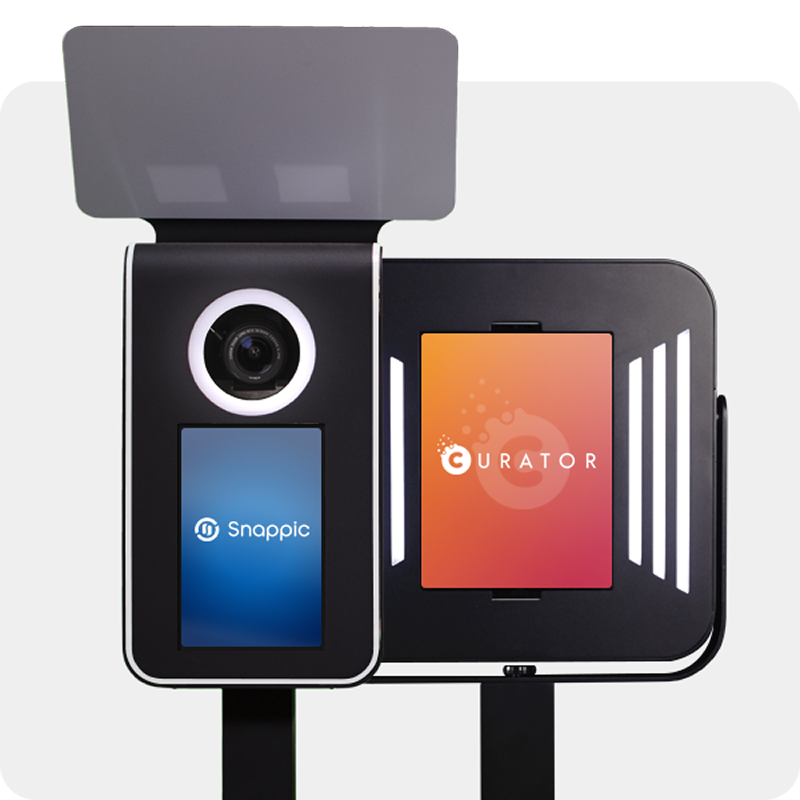
Photo Party upload and your photo booth
The diagram below illustrates how Photo Party Upload works with your photo booth software, including Photo Booth Upload.
Have questions? Get answers now. Search for your answers below by typing in the keywords. If you can find what you need, contact our team at 323-473.4893.
Drop your email below and receive 10% off our award-winning software.*
*for new customers only. Only valid for annual and lifetime licenses
Fill in your details and we’ll get back to you in no time.
Access your download either by the checking email you used during checkout or by accessing the Downloads section of the “My Account” page.