360 Photo Booth: Why It’s Taking Over Every Event
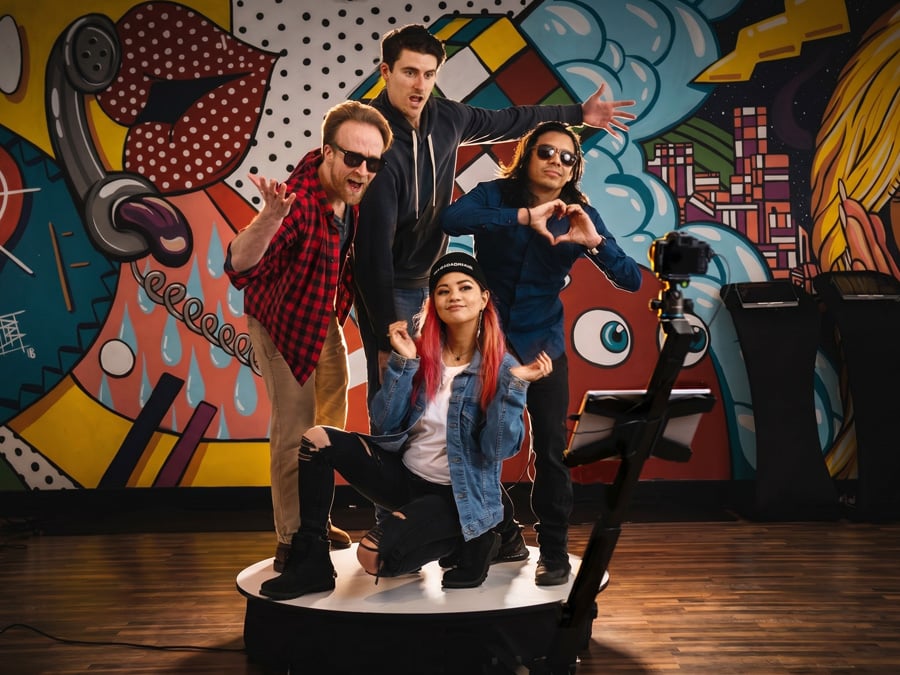
You’ve probably seen one before.A few guests step onto a platform. A camera begins moving around them. Someone throws confetti,


In the high-stakes environment of event production, time is your most valuable asset. Mastering how to set up a portable photo booth in under thirty minutes lets you focus on your clients and creative output rather than technical hurdles. This guide provides a streamlined roadmap for efficient assembly using the industry-leading standards we’ve established at LA Photo Party in Glendale, CA. By following a structured workflow, you’ll transform a stack of gear into a high-performance activation center with speed and precision. You’ll learn how to organize components, optimize your footprint, and configure software for maximum reliability. The goal is a professional experience that looks effortless to the guest while maintaining a robust technical foundation behind the scenes.
Efficiency starts in your warehouse or home office long before you arrive at the venue. If you don’t ensure every component is accounted for and functioning perfectly, you’ve already lost the race against the clock. A missing power cable or a dead battery can derail your thirty-minute goal before you even start.
Start by organizing your equipment into dedicated cases that follow a logical order of assembly. Use color-coded labels or a digital manifest to track your inventory. This prevents a frantic search for small adapters or specialized screws during the pressure of a live setup. Verifying your gear at the shop means you can walk into any event space with the confidence that your portable photo booth is ready for immediate deployment.
Consider these essential items for your setup:
Building on that foundation of physical readiness, you’ve also got to prepare your digital assets. Load your event graphics, logos, and custom overlays onto your device while you’ve got a stable office internet connection. Testing your software settings at home allows you to identify potential bugs without a client watching over your shoulder.
The physical layout of your activation determines the flow of traffic and the quality of the final images. When you arrive at the venue, immediately identify your power source and the direction of the ambient light. You’ll want to position your portable photo booth in a high-visibility area that doesn’t obstruct main walkways or emergency exits.
The relationship between the booth and the backdrop is critical for image consistency. Aim for a distance of approximately six to eight feet between the camera and the background. This spacing allows for group shots without losing the edges of the frame and helps minimize harsh shadows that occur when guests stand too close to the fabric.
Start with the backdrop stand, ensuring the crossbar is level and the fabric is pulled taut. Once the background is secure, place the booth stand directly opposite the center of the backdrop. Secure your cables to the floor immediately using gaffer tape to prevent tripping hazards.

With the stand in place, it’s time to mount the capture device and establish your framing. Whether you’re using a high-end DSLR or a professional-grade tablet, the lens height should sit at approximately chest level for the average adult. This angle is generally the most flattering and allows for a wide range of guest heights.
When using equipment from LA Photo Party, ensure the housing is locked securely to the stand before powering on. Once the camera is live, check your focus and exposure. It’s best to avoid auto-focus, as it often struggles in dark event environments. Instead, set a fixed focus point that covers the area where guests will naturally stand.
The software is the engine that powers your portable photo booth and defines the user interface. Open your capture application and load the specific event profile you prepared during the pre-event phase. Double-check that the custom overlays match the client branding and that the print templates are aligned with the media loaded in your printer.
The user flow should be intuitive, requiring no more than two or three touches for a guest to complete their session. Simple navigation reduces wait times and increases the total number of captures per hour.
Reliable connectivity is the backbone of modern event activations. While many venues offer guest Wi-Fi, these networks are often unstable or restricted by firewalls. It’s always better to provide your own dedicated connection using a professional LTE or 5G hotspot.
Place your router in a high position within the booth housing to avoid signal interference from the crowd. If the signal is weak, you’ve got to have a clear understanding of how your software handles offline queuing to prevent data loss.
Even with a perfect thirty-minute setup, live events present unique challenges. The most common issues usually involve power interruptions, printer jams, or lighting shifts. Keep a small utility kit inside your booth stand containing extra batteries, a basic toolset, and spare paper rolls.
As the event progresses, stay observant of how guests interact with the booth. If people are standing too far back, use a small floor marker to indicate the “sweet spot” for the best framing. If the line is moving too slowly, consider disabling complex filters to speed up the session time. This level of attention to detail is what separates a professional operator from an amateur.
Setting up a portable photo booth in under thirty minutes is a skill that combines technical knowledge with disciplined organization. By utilizing the robust tools provided by LA Photo Party and following a strict workflow, you’ll deliver a high-quality experience in almost any environment. Mastery of this process ensures you’re always ready for the demands of the event industry, providing consistent and professional results every single time you open your gear cases.
Ideally, you should look for a 10×10 foot area. This allows enough room for the booth, the backdrop, a prop table, and a comfortable “strike zone” where guests can pose without feeling crowded.
Our software includes an offline mode that queues all digital shares. Once you’re back on a stable connection, the system automatically sends out all the emails and texts. Your guests won’t even notice the interruption.
Yes. Most modern portable systems are designed for solo operation. By following the 30-minute workflow, a single technician can easily manage the transport, assembly, and testing.
We recommend setting the lens at roughly 48 to 54 inches from the ground. This “chest-high” placement is the most versatile for capturing both tall adults and children in the same frame.
While many booths have built-in ring lights, an external flash is highly recommended for high-end events or venues with very high ceilings where ambient light is unpredictable.
Ready to take your event business to the next level? Whether you’re looking for the most reliable portable photo booth hardware on the market or award-winning software used by global brands, LA Photo Party has the tools you need. Based in Glendale, CA, we provide the gear and the expertise to help you succeed. Visit our website today to explore our latest booth models and professional training resources.
You’ve probably seen one before.A few guests step onto a platform. A camera begins moving around them. Someone throws confetti,
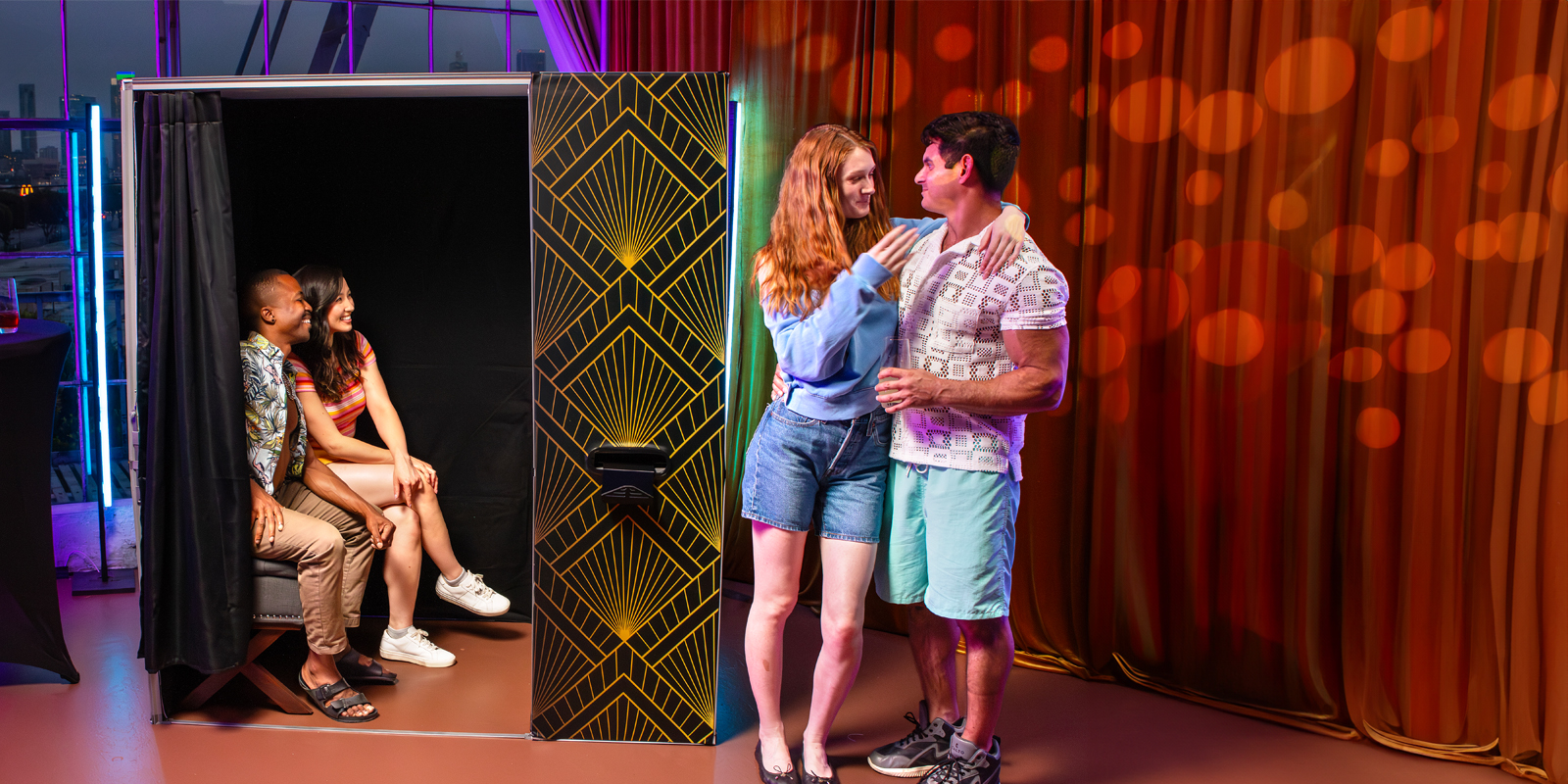
Planning an event comes with a long list of decisions. Venue, food, music, décor, entertainment. Somewhere along the way, someone

Think about the photos people usually take at an event. Someone pulls out a phone, tries to squeeze everyone into

Photo booths have been part of weddings, corporate events, parties, and brand activations for years. Guests step in front of
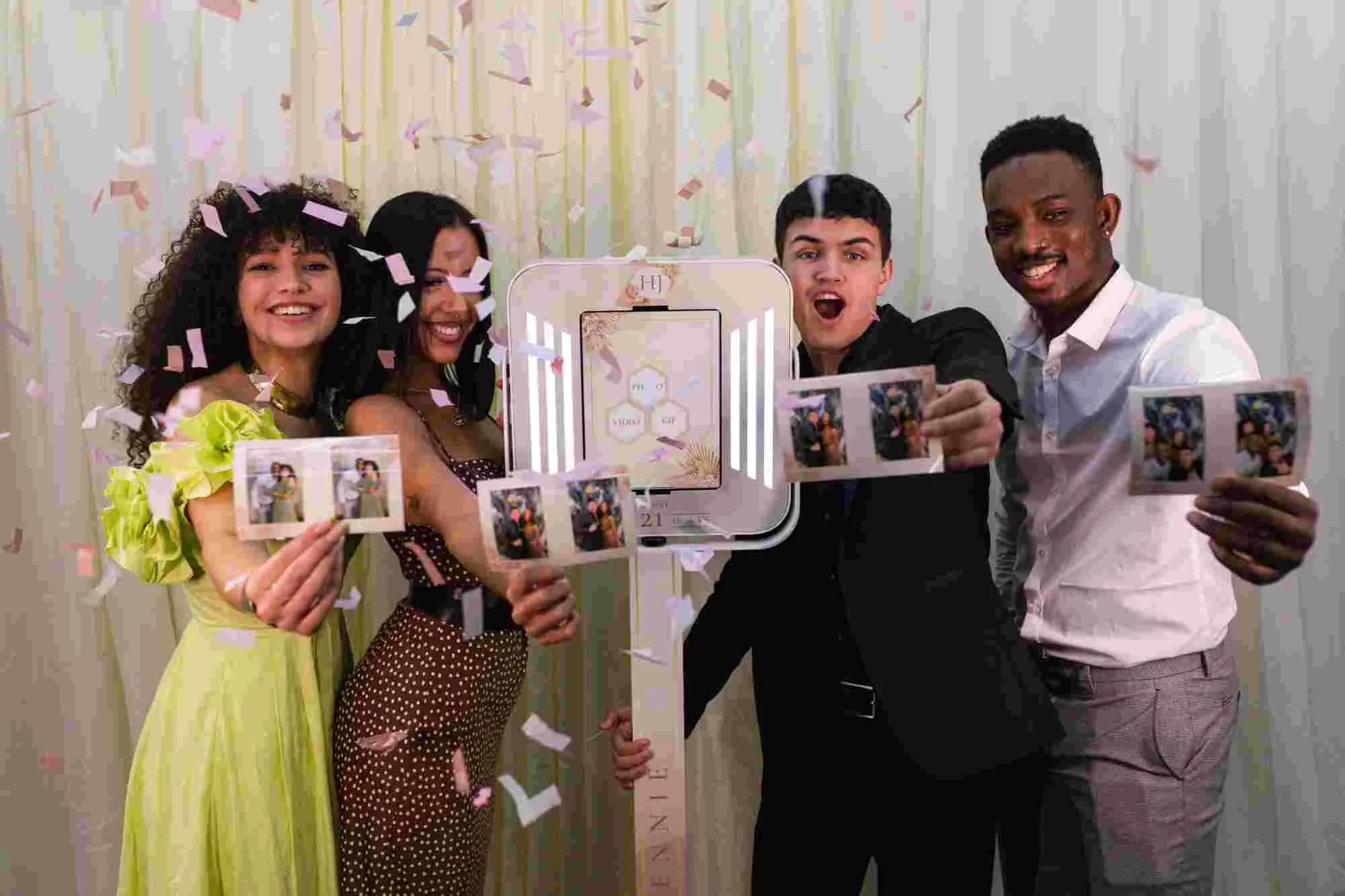
Renting a photo booth makes sense when you only need one occasionally. You book the experience, the vendor handles the
Go Shawty, It’s your Birthday
You will need a free Photo Party Upload account to access Virtual Booth. Once you’ve created your account, return to this page to complete the sign up process.
Already set up on Photo Party Upload? Watch this short video on how to get started.
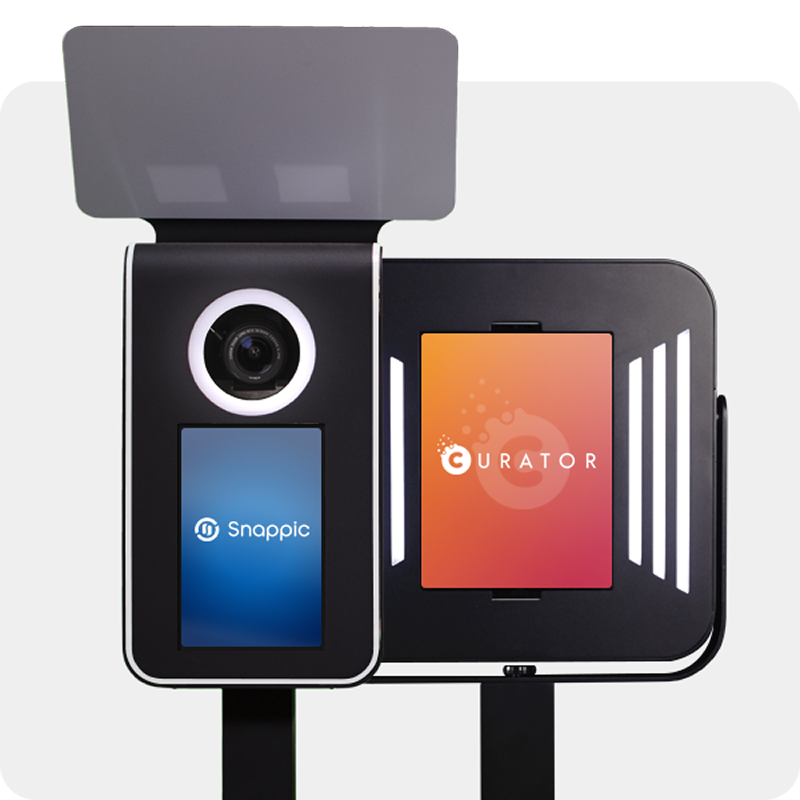
Venture Go and Explorer work with industry-leading iPad apps. We’ve partnered with two powerful platforms—each trusted by photo booth pros worldwide.
SELECT an app to learn more